
Linux - Nginx的集群与负载均衡
Nginx的集群与负载均衡
集群就是一群人干同样的活,负载均衡就是保证每个人都干得差不多。或者大人干得多一些,小孩干得少一些。
Nginx实现负载均衡很方便。
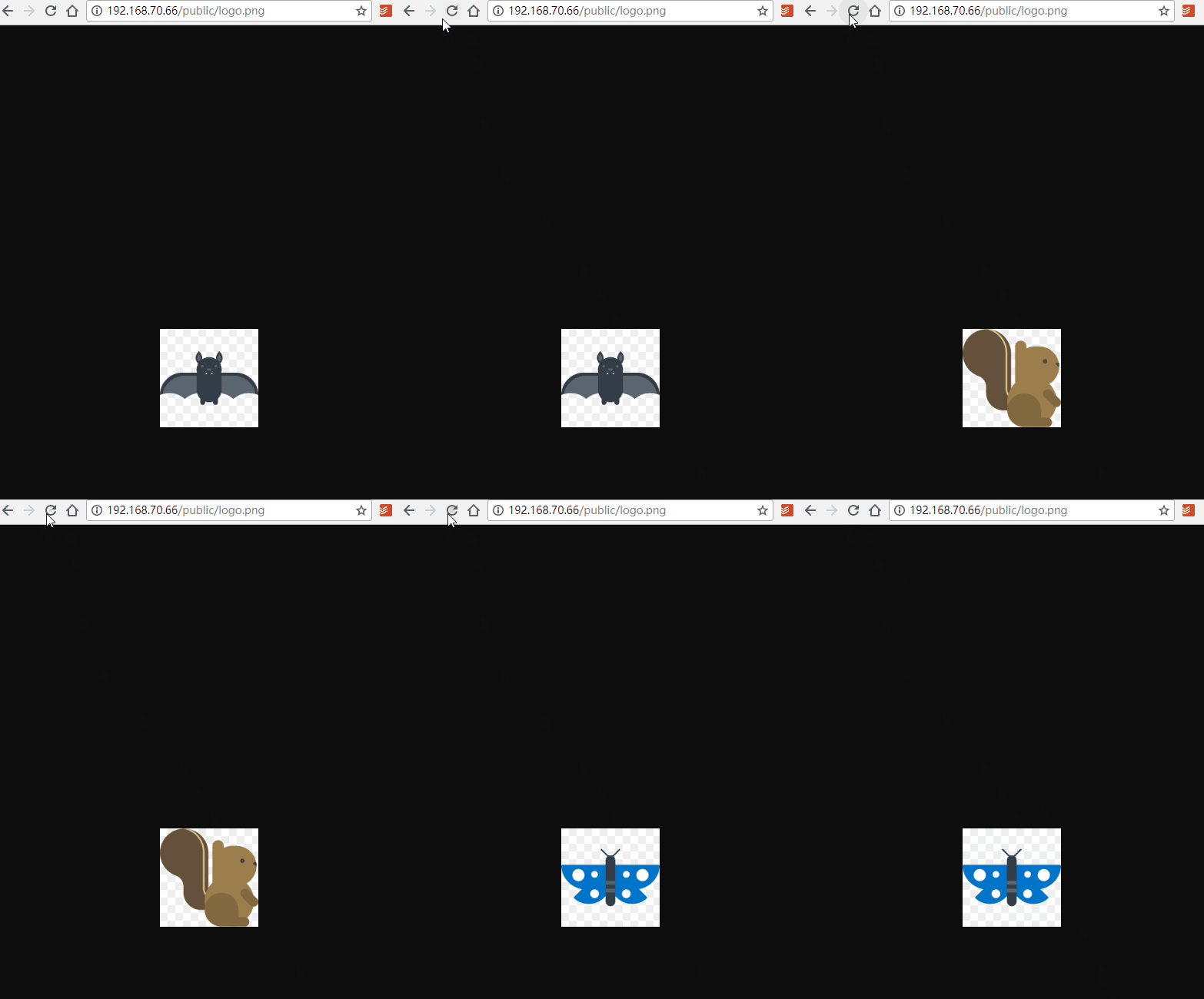
准备三台服务器,一台是用于访问图片(66)。另外是两台用于提供图片服务的集群(61,62)。
先准备三个logo.png图片。
66上如下:

61上如下:

62上如下:
设置图片组66:
upstream imgserver {

        server 192.168.70.61:80 weight=1 max_fails=2 fail_timeout=30s;

        server 192.168.70.62:80 weight=1 max_fails=2 fail_timeout=30s;

    }
处理反向代理:
location ~ .*\.(jpg|jpeg|png|gif)$ {

		proxy_pass http://imgserver;

		proxy_set_header X-Forwarded-For $remote_addr;

}
下面是完整的配置。
#user  nobody;

user nginx nginx;           # 指定Nginx服务的用户和用户组

worker_processes auto;

error_log  logs/error.log;

#error_log  logs/error.log  notice;

#error_log  logs/error.log  info;

pid        logs/nginx.pid;

events {

    worker_connections  1024;

}

http {

    include       mime.types;

    default_type  application/octet-stream;

    log_format  main  '$remote_addr - $remote_user [$time_local] "$request" '

                      '$status $body_bytes_sent "$http_referer" '

                      '"$http_user_agent" "$http_x_forwarded_for"';

    access_log  logs/access.log  main;

    server_tokens off;

    sendfile        on;

    #tcp_nopush     on;

    tcp_nodelay on;

    #keepalive_timeout  0;

    keepalive_timeout  65;

    send_timeout 30;

    gzip  on;

	upstream imgserver {

        server 192.168.70.61:80 weight=1 max_fails=2 fail_timeout=30s;

        server 192.168.70.62:80 weight=1 max_fails=2 fail_timeout=30s;

    }

    server {

        listen       80;

        server_name  localhost;

        charset UTF-8;

        #charset koi8-r;

        #access_log  logs/host.access.log  main;

        set $root /var/webroot/tp5admin;

        location / {

            root   $root;

            index  index.php index.html index.htm;

            if ( -f $request_filename) {

               break;

            }

            if ( !-e $request_filename) {

                rewrite ^(.*)$ /index.php/$1 last;

                break;

            }

        }

        location ~ .*\.(jpg|jpeg|png|gif)$ {

            proxy_pass http://imgserver;

            proxy_set_header X-Forwarded-For $remote_addr;

        }

        location ~ .*\.(js|css)$ {

            proxy_pass http://192.168.70.62:80;

            proxy_set_header X-Forwarded-For $remote_addr;

        }

        #error_page  404              /404.html;

        # redirect server error pages to the static page /50x.html

        #

        error_page   500 502 503 504  /50x.html;

        location = /50x.html {

            root   /var/webroot;

        }

        # proxy the PHP scripts to Apache listening on 127.0.0.1:80

        #

        #location ~ \.php$ {

        #    proxy_pass   http://127.0.0.1;

        #}

        # pass the PHP scripts to FastCGI server listening on 127.0.0.1:9000

        #

        location ~ \.php(.*)$ {

            root           $root;

            fastcgi_pass   127.0.0.1:9000;

            fastcgi_index  index.php;

            fastcgi_param  SCRIPT_FILENAME  $DOCUMENT_ROOT$fastcgi_script_name;

            fastcgi_param PATH_INFO $1; # 把pathinfo部分赋给PATH_INFO变量

            include        fastcgi_params;

        }

        # deny access to .htaccess files, if Apache's document root

        # concurs with nginx's one

        #

        #location ~ /\.ht {

        #    deny  all;

        #}

    }

    # another virtual host using mix of IP-, name-, and port-based configuration

    #

    server {

        listen       81;

        server_name  localhost:81;

        set $root /var/webroot;

        location / {

            root   $root;

            index  index.php index.html index.htm;

            if ( -f $request_filename) {

               break;

            }

            if ( !-e $request_filename) {

                rewrite ^(.*)$ /index.php/$1 last;

                break;

            }

        }

        error_page   500 502 503 504  /50x.html;

        location = /50x.html {

            root   /var/webroot;

        }

        location ~ .+\.php($|/) {

            root           $root;

            fastcgi_pass   127.0.0.1:9000;

            fastcgi_split_path_info ^((?U).+.php)(/?.+)$;

            fastcgi_param PATH_INFO $fastcgi_path_info;

            fastcgi_param PATH_TRANSLATED $document_root$fastcgi_path_info;

            fastcgi_param    SCRIPT_FILENAME    $root$fastcgi_script_name;

            include        fastcgi_params;

        }

    }

    # HTTPS server

    #

    #server {

    #    listen       443 ssl;

    #    server_name  localhost;

    #    ssl_certificate      cert.pem;

    #    ssl_certificate_key  cert.key;

    #    ssl_session_cache    shared:SSL:1m;

    #    ssl_session_timeout  5m;

    #    ssl_ciphers  HIGH:!aNULL:!MD5;

    #    ssl_prefer_server_ciphers  on;

    #    location / {

    #        root   html;

    #        index  index.html index.htm;

    #    }

    #}

}
Linux - Nginx的集群与负载均衡的更多相关文章
- Nginx实现集群的负载均衡配置过程详解
Nginx 的负载均衡功能,其实实际上和 nginx 的代理是同一个功能,只是把代理一台机器改为多台机器而已. Nginx 的负载均衡和 lvs 相比,nginx属于更高级的应用层,不牵扯到 ip 和 ...
- 在Linux上使用Nginx为Solr集群做负载均衡
在Linux上使用Nginx为Solr集群做负载均衡 在Linux上搭建solr集群时需要用到负载均衡,但测试环境下没有F5 Big-IP负载均衡交换机可以用,于是先后试了weblogic的proxy ...
- 10分钟搭建服务器集群——Windows7系统中nginx与IIS服务器搭建集群实现负载均衡
分布式,集群,云计算机.大数据.负载均衡.高并发······当耳边响起这些词时,做为一个菜鸟程序猿无疑心中会激动一番(或许这是判断是否是一个标准阿猿的标准吧)! 首先自己从宏观把控一下,通过上网科普自 ...
- 架构之路:nginx与IIS服务器搭建集群实现负载均衡(二)
[前言] 在<架构之路:nginx与IIS服务器搭建集群实现负载均衡(一)>中小编简单的讲解了Nginx的原理!俗话说:光说不练假把式.接下来,小编就和大家一起来做个小Demo来体会一下N ...
- 架构之路:nginx与IIS服务器搭建集群实现负载均衡(三)
参考网址:https://blog.csdn.net/zhanghan18333611647/article/details/50811980 [前言] 在<架构之路:nginx与IIS服务器搭 ...
- Nginx实现tomcat集群进行负载均衡
一.背景 随着业务量和用户数量的激增,单一的tomcat部署应用已经无法满足性能需求,而且对于每次发布项目期间服务不可用的问题也凸显,既然出现了这个问题,那么我们本文就借助nginx来完美的解决这个问 ...
- linux下配置tomcat集群的负载均衡
linux下配置tomcat集群的负载均衡 一.首先了解下与集群相关的几个概念集群:集群是一组协同工作的服务实体,用以提供比单一服务实体更具扩展性与可用性的服务平台.在客户端看来,一个集群就象是一个服 ...
- Windows7系统中nginx与IIS服务器搭建集群实现负载均衡
10分钟搭建服务器集群——Windows7系统中nginx与IIS服务器搭建集群实现负载均衡 分布式,集群,云计算机.大数据.负载均衡.高并发······当耳边响起这些词时,做为一个菜鸟程序猿无疑 ...
- 搭建服务器集群——Windows7系统中nginx与IIS服务器搭建集群实现负载均衡
转载:https://www.cnblogs.com/xiongze520/p/10308720.html 分布式,集群,云计算机.大数据.负载均衡.高并发······当耳边响起这些词时,做为一个菜鸟 ...
随机推荐
- 时间框的属性编辑(WdatePicker日期插件)
效果图如下:可以设置输入的时间不大于,或不小于某日. //引用js包 <script type="text/javascript" src="${basePath} ...
- 关于ListView中item与子控件抢夺焦点的解决方法
1.在开发中,listview可以说是我们使用最频繁的控件之一了,但是关于listview的各种问题也是很多.当我们使用自定义布局的Listview的时候,如果在item的布局文件里面存在Button ...
- Python 之 %s字符串、%d整型、%f浮点型
%s string="hello" #%s打印时结果是hello print "string=%s" % string # output: string=hel ...
- dell inspiron 15 3000 装XP win7 等GHOST系统方法
dell inspiron 装XP win7 等GHOST系统方法 . 开机按F2,进入BIOS .在 BIOS 的Boot菜单下,将Secure Boot 改为 Disabled . 将Boot L ...
- Linux 之WinSCP连接FTP
1.安装vsftpd 2.ftp命令 /sbin/service vsftpd start /sbin/service vsftpd restart /sbin/service vsftpd stop ...
- Vim入门基础知识集锦
1. 简介 Vim(Vi[Improved])编辑器是功能强大的跨平台文本文件编辑工具,继承自Unix系统的Vi编辑器,支持Linux/Mac OS X/Windows系统,利用它可以建立.修 ...
- TCP协议的三次握手、四次挥手
TCP三次握手 TCP的连接的建立需要发送三个包,一次称为三次握手(Three-way Handshake). 三次握手的目的是连接服务器指定端口,建立TCP连接,并同步连接双方的序列号和确认号并交换 ...
- js 中this到底指向哪里?
其实js的this指向很简单.我们记住下面3种情况. this 指向的是浏览器中的window.代码如下: function fn(){ this.name='yangkun'; this.age=2 ...
- 洛谷P1141 01迷宫【DFS】
有一个仅由数字00与11组成的n \times nn×n格迷宫.若你位于一格0上,那么你可以移动到相邻44格中的某一格11上,同样若你位于一格1上,那么你可以移动到相邻44格中的某一格00上. 你的任 ...
- 1.1、配置Python虚拟环境
安装虚拟环境 系统:CentOS 7.2 python版本:Python 2.7.5 1.虚拟环境介绍 虚拟环境是Python解释器的一个私有副本,在这个环境中你可以安装私有包,而且不会影响系统中安装 ...