
ZABBIX 4.0 LTS 部署

1. 环境说明
关于zabbix的详细使用可以参考之前的3.0 版本,该文档仅记录zabbix 4.0 编译安装过程!
ZABBIX 3.0 从入门到精通(zabbix使用详解) : https://www.cnblogs.com/clsn/p/7885990.html
ZABBIX 4.0 中文参考文档 : https://www.zabbix.com/documentation/4.0/zh/manual
1.1 Linux环境说明
zabbix 安装要求 https://www.zabbix.com/documentation/4.0/zh/manual/installation/requirements
[root@clsn.io /root] clsn.io Blog WebSite

#cat  /etc/redhat-release

CentOS release 6.8 (Final)

[root@clsn.io /root] clsn.io Blog WebSite

#uname  -r

4.10.5-1.el6.elrepo.x86_64

[root@clsn.io /root] clsn.io Blog WebSite

#sestatus

SELinux status:                 disabled
1.2 NMP 环境说明
1.2.1. NGINX 配置说明
nginx 编译参数
[root@clsn.io /root] clsn.io Blog WebSite

#nginx  -V

nginx version: clsn/41.1

built by gcc 4.4.7 20120313 (Red Hat 4.4.7-23) (GCC)

built with OpenSSL 1.0.2l  25 May 2017

TLS SNI support enabled

configure arguments: --user=www --group=www --prefix=/www/server/nginx --with-openssl=/www/server/nginx/src/openssl --add-module=/www/server/nginx/src/ngx_devel_kit --add-module=/www/server/nginx/src/lua_nginx_module --add-module=/www/server/nginx/src/ngx_cache_purge --add-module=/www/server/nginx/src/nginx-sticky-module --add-module=/www/server/nginx/src/nginx-http-concat --with-http_stub_status_module --with-http_ssl_module --with-http_v2_module --with-http_image_filter_module --with-http_gzip_static_module --with-http_gunzip_module --with-stream --with-stream_ssl_module --with-ipv6 --with-http_sub_module --with-http_flv_module --with-http_addition_module --with-http_realip_module --with-http_mp4_module --with-ld-opt=-Wl,-E --with-pcre=pcre-8.40 --with-ld-opt=-ljemalloc --add-module=/www/server/nginx/src/ngx_http_google_filter_module --add-module=/www/server/nginx/src/ngx_http_substitutions_filter_module
nginx zabbix-web 配置
[root@clsn.io /etc/nginx/zclsn] clsn.io Blog WebSite

#cat  os.conf

server

{

    listen 80;

    server_name os.clsn.io;

    rewrite ^(.*) https://$host$1 permanent;

}

server

{

    listen 443 ssl http2;

    server_name os.clsn.io;

    index index.php;

    root /www/wwwroot/other/os;

    include enable-php-56.conf;

    #https mode

    ssl_certificate /www/cert/clsn.io/fullchain.cer;

    ssl_certificate_key  /www/cert/clsn.io/clsn.io.key;

    ssl_protocols TLSv1 TLSv1.1 TLSv1.2;

    ssl_ciphers ECDHE-RSA-AES128-GCM-SHA256:HIGH:!aNULL:!MD5:!RC4:!DHE;

    ssl_prefer_server_ciphers on;

    ssl_session_cache shared:SSL:10m;

    ssl_session_timeout 10m;

    }
1.2.2 MySql 配置说明
# mysql 可以采用yum 安装 版本在 5.0.3 - 8.0.x	中间均可

# 具体版本要求可以参考: https://www.zabbix.com/documentation/4.0/zh/manual/installation/requirements#%E8%BD%AF%E4%BB%B6

yum install  mysql-server -y
创建zabbix 使用的用户
shell> mysql -uroot -p<password>

mysql> create database zabbix character set utf8 collate utf8_bin;

mysql> grant all privileges on zabbix.* to zabbix@localhost identified by '<password>';

mysql> quit;
1.2.3 PHP 配置说明
[root@clsn.io /root] clsn.io Blog WebSite

#php -i |grep configure

Configure Command =>  './configure'  '--prefix=/www/server/php/56' '--with-config-file-path=/www/server/php/56/etc' '--enable-fpm' '--with-fpm-user=www' '--with-fpm-group=www' '--with-mysql=mysqlnd' '--with-mysqli=mysqlnd' '--with-pdo-mysql=mysqlnd' '--with-iconv-dir' '--with-freetype-dir=/usr/local/freetype' '--with-jpeg-dir' '--with-png-dir' '--with-zlib' '--with-libxml-dir=/usr' '--enable-xml' '--disable-rpath' '--enable-bcmath' '--enable-shmop' '--enable-sysvsem' '--enable-inline-optimization' '--with-curl=/usr/local/curl' '--enable-mbregex' '--enable-mbstring' '--with-mcrypt' '--enable-ftp' '--with-gd' '--enable-gd-native-ttf' '--with-openssl=/usr/local/openssl' '--with-mhash' '--enable-pcntl' '--enable-sockets' '--with-xmlrpc' '--enable-zip' '--enable-soap' '--with-gettext' '--disable-fileinfo' '--enable-opcache' '--enable-intl'
2. Zabbix 安装
本次采用源码包安装方式,官方文档参考: https://www.zabbix.com/documentation/4.0/zh/manual/installation/install
2.1 获取软件包
cd /opt

wget  https://nchc.dl.sourceforge.net/project/zabbix/ZABBIX%20Latest%20Stable/4.0.3/zabbix-4.0.3.tar.gz
2.2 部署ZABBIX
cd /opt

# 解压软件包

tar xf zabbix-4.0.3.tar.gz

cd zabbix-4.0.3

# 创建普通用户运行zabbix

groupadd clsn

useradd -g clsn clsn

# 根据自己需求编译 zabbix ,本次编译一次生成zabbix-server 与 zabbix-agentd

./configure --prefix=/usr/local/zabbix-4.0 --enable-server --enable-agent --with-mysql --enable-ipv6 --with-libcurl --with-libxml2

make

make install

ln -s /usr/local/zabbix-4.0 /usr/local/zabbix
2.3 导入初始化mysql数据
shell> cd /opt/zabbix-4.0.3

shell> cd database/mysql

shell> mysql -uzabbix -p<password> zabbix < schema.sql

# stop here if you are creating database for Zabbix proxy

shell> mysql -uzabbix -p<password> zabbix < images.sql

shell> mysql -uzabbix -p<password> zabbix < data.sql
2.4 复制ZABBIX的WEB文件
cd /opt/zabbix-4.0.3/frontends/

mv php  /www/wwwroot/other/os

chown -R clsn.www /www/wwwroot/other/os

chown -R clsn /usr/local/zabbix/
2.5 WEB界面初始化
web界面的配置在这里就不赘述了,与之前的版本相似没有较大的改变,主要要注意权限问题。
浏览器访问 nginx配置的域名 https://os.clsn.io
配置完成后即可登录,初始用户名 Admin 密码 zabbix 。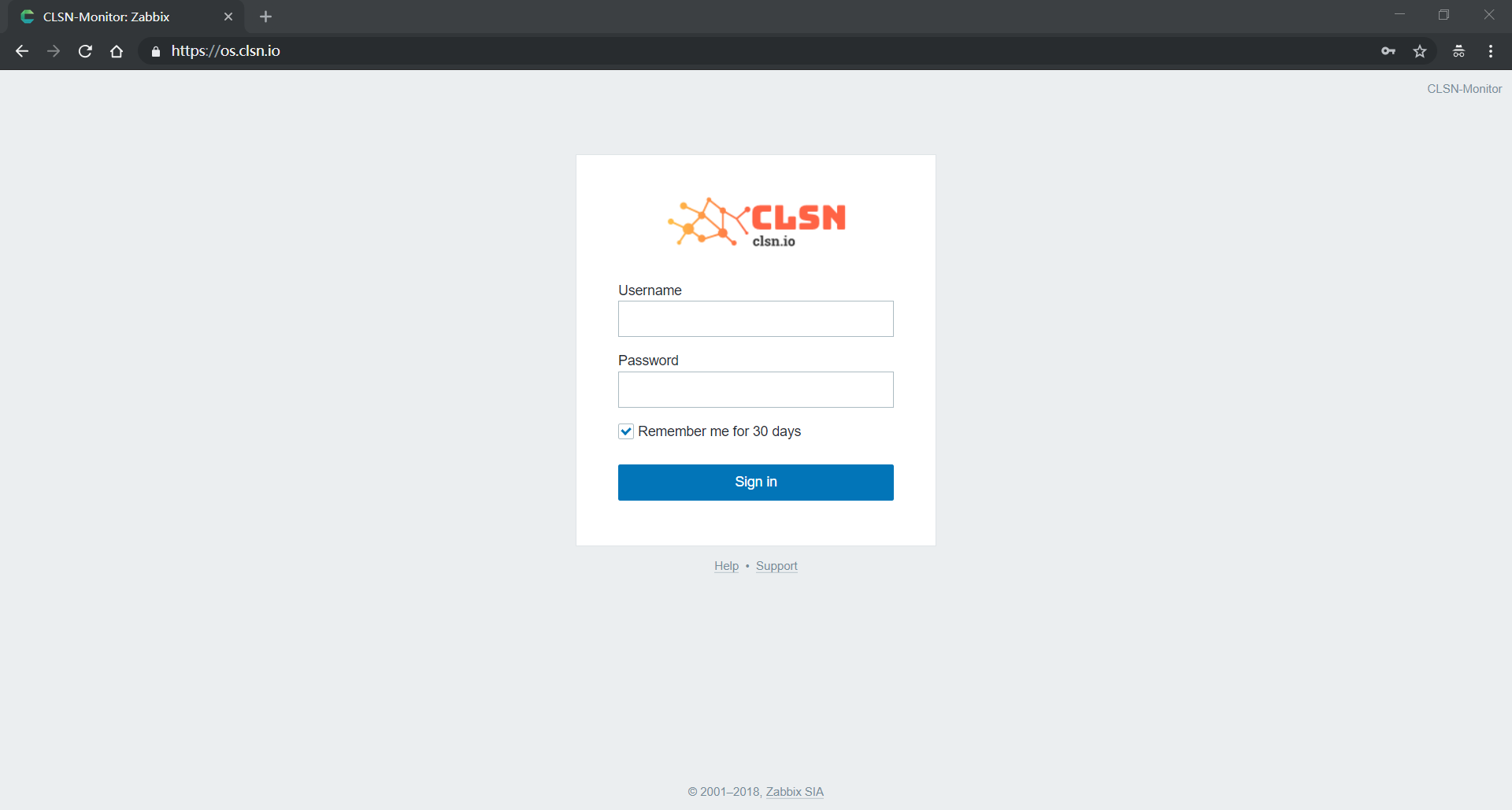
3. zabbix配置
3.1 zabbix-server配置
[root@clsn.io /root] clsn.io Blog WebSite

#cd /usr/local/zabbix/etc/

[root@clsn.io /usr/local/zabbix/etc] clsn.io Blog WebSite

#grep  -Ev "^#|^$" zabbix_server.conf

LogFile=/tmp/zabbix_server.log

DBHost=localhost

DBName=zabbix

DBUser=zabbix

DBPassword=password

StartPollers=1

StartPreprocessors=1

StartTrappers=1

StartAlerters=1

ListenIP=127.0.0.1

StartDBSyncers=1

Timeout=4

LogSlowQueries=3000

User=clsn
3.2 zabbix-agentd 配置
[root@clsn.io /usr/local/zabbix/etc] clsn.io Blog WebSite

#grep  -Ev "^#|^$" zabbix_agentd.conf

LogFile=/tmp/zabbix_agentd.log

SourceIP=127.0.0.1

Server=127.0.0.1

ListenIP=127.0.0.1

StartAgents=1

ServerActive=127.0.0.1

Hostname=clsn.io

User=clsn

Include=/usr/local/zabbix/etc/zabbix_agentd.conf.d/*.conf
3.3 复制启动脚本
cd /opt/zabbix-4.0.3/misc/init.d/fedora/core

cp -a zabbix_agentd  zabbix_server /etc/init.d/

# 修改脚本中的 BASEDIR

# vim +22 /etc/init.d/zabbix_agentd

    BASEDIR=/usr/local/zabbix

# vim +22 /etc/init.d/zabbix_server

    BASEDIR=/usr/local/zabbix
4. 安装完成
安装完成后可以使用多种方式添加监控主机,具体操作参考:https://www.cnblogs.com/clsn/p/7885990.html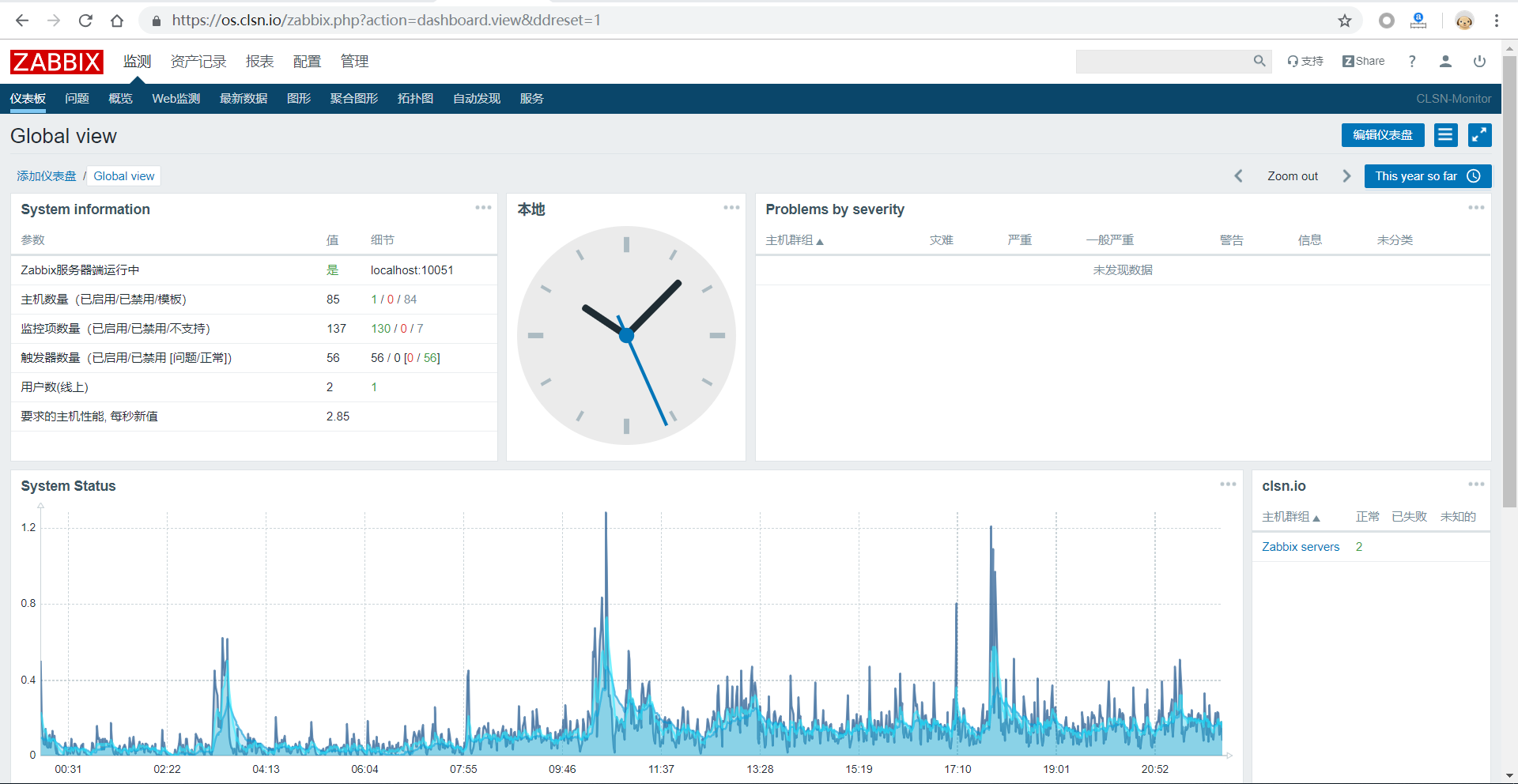
5. 参考文献
https://clsn.io/clsn/lx658.html
https://www.zabbix.com/documentation/4.0/zh/manual/installation/install
https://www.zabbix.com
https://blog.csdn.net/php_thinker/article/details/7241500
ZABBIX 4.0 LTS 部署的更多相关文章
- 部署Zabbix 6.0 LTS
Blog:博客园 个人 本部署文档适用于CentOS 8.X/RHEL 8.X/Anolis OS 8.X/AlmaLinux 8.X. Zabbix 6.0 LTS于2022年2月15日发布,本次大 ...
- zabbix 6.0 docker-compose 部署
zabbix 6.0 docker-compose 部署 zabbix6.0 已是新LTS版本.根据zabbix-docker上的trunk版本来搭建zabbix6.0. 根据踩坑,记录docker- ...
- zabbix v3.0安装部署
这篇文章没有写明init的部分要注意 zabbix v3.0安装部署 摘要: 本文的安装过程摘自http://www.ttlsa.com/以及http://b.lifec-inc.com ,和站长凉白 ...
- Zabbix 5.0 LTS版本的安装小结
Zabbix 5.0 LTS版本的安装小结 1:准备Zabbix的服务器. 这里可能需要一台或多台服务器,视需求和资源而定.也可以将Zabbix_Server.MySQL.Zabbix Web等安 ...
- CentOS 7.2安装zabbix 3.0 LTS
1.zabbix简介 zabbix(音同 zæbix)是一个基于WEB界面的提供分布式系统监视以及网络监视功能的企业级的开源解决方案. zabbix能监视各种网络参数,保证服务器系统的安全运营:并提供 ...
- Zabbix 3.0 LTS安装配置
关于Zabbix监控项类型的官网介绍: https://www.zabbix.com/documentation/3.4/zh/manual/config/items/itemtypes zabbix ...
- zabbix v3.0安装部署【转】
关于zabbix及相关服务软件版本: Linux:oracle linux 6.5 nginx:1.9.15 MySQL:5.5.49 PHP:5.5.35 一.安装nginx: 安装依赖包: yum ...
- Zabbix系列-REHL6.10离线方式安装Zabbix 4.0 LTS
环境 第零步:关闭系统默认防火墙 setenforce 0 sed -i -r "/^SELINUX=/c SELINUX=disabled" /etc/selinux/confi ...
- zabbix企业级的分布式开源监控解决方案 v5.0 LTS
目录 zabbix简介 服务模块 客户端守护进程 监控流程 功能拆解 安装 zabbix 5.0 LTS 参考官网 zabbix 5.0.12-1.el7 zabbix-server相关优化 1. 字 ...
随机推荐
- day56 文件 文档处理,事件
前情回顾: 1. 前情回顾 0. 选择器补充 - 属性选择器 - $("[egon]") - $("[type='text']") - $("inpu ...
- poi设置打印页页脚和页数设置
之前在网上搜了很久,也没有搜到具体页脚页数的答案,最后还是在官方api文档上找到了答案: HSSFPrintSetup printSetup = (HSSFPrintSetup) sheet.getP ...
- Spark-Unit1-spark概述与安装部署
一.Spark概述 spark官网:spark.apache.org Spark是用的大规模数据处理的统一计算引擎,它是为大数据处理而设计的快速通用的计算引擎.spark诞生于加油大学伯克利分校AMP ...
- LIS+二分法
http://poj.org/problem?id=3903 数列里是存从小到大排的数,二分也是为了这个服务的,不断更新.而len才是所求长度 #include <iostream> #i ...
- elf 学习
现在我们使用 readelf 命令来查看 elfDome.out 的文件头 readelf -l elfDemo.out 使用 readelf 来查看程序头: readelf -S elfDemo.o ...
- UVA 814 The Letter Carrier's Rounds
大致翻译: 对于电子邮件应用程序,您需要描述发生在成对mta之间的基于smtp的通信.发送方 的用户代理向发送消息传输代理(MTA)提供格式化的消息.发送MTA使用SimpleMail 传输协议(SM ...
- 虚拟主机的IIS连接数和访问流量限制各是什么
网址:http://zhidao.baidu.com/question/40279863IIS连接数,就是你的网站同时允许多少个人连接你的网站.IIS连接数为100就是,同时允许100人连接你的网站, ...
- url两次编码
encodeURI函数采用UTF-8对URL进行编码,所以如果服务器在进行解码时使用的是其他的编码方式就会出现乱码,默认的服务器配置的解码字符集都不是UTF-8,所以大部分情况下地址栏提交中文查询参数 ...
- BZOJ.4337.[BJOI2015]树的同构(树哈希)
BZOJ 洛谷 \(Description\) 给定\(n\)棵无根树.对每棵树,输出与它同构的树的最小编号. \(n及每棵树的点数\leq 50\). \(Solution\) 对于一棵无根树,它的 ...
- cout endl in c++
#include<iostream> using namespace std; int main() { cout<<endl; endl(cout); getchar(); ...