
iOS开发UI篇—Quartz2D使用(信纸条纹)
iOS开发UI篇—Quartz2D使用(信纸条纹)
一、前导程序
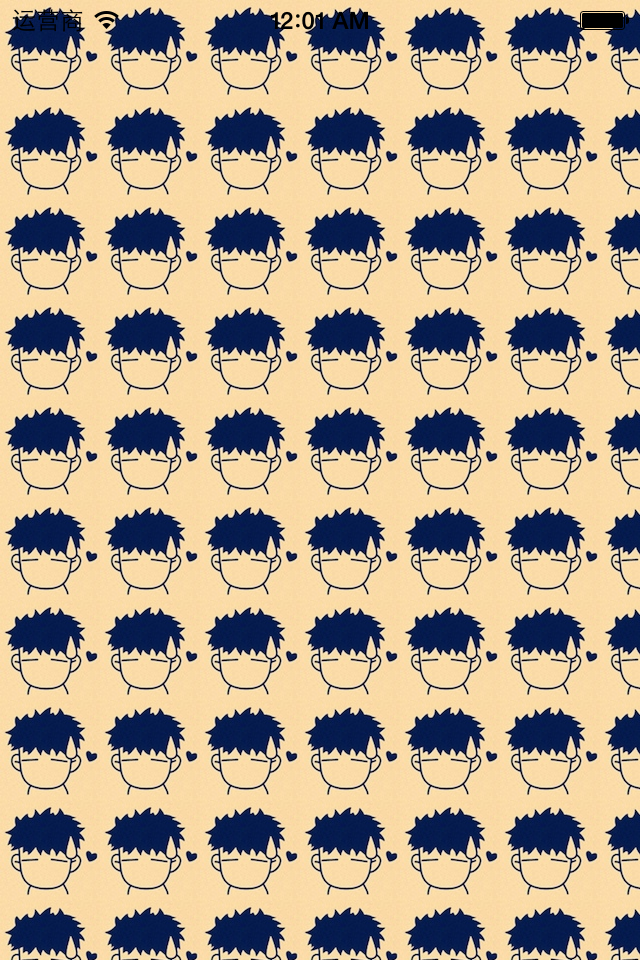
新建一个项目,在主控制器文件中实现以下几行代码,就能轻松的完成图片在视图中的平铺。
 #import "YYViewController.h"

 @interface YYViewController ()

 @end

 @implementation YYViewController

 - (void)viewDidLoad

 {

     [super viewDidLoad];

     UIImage *image=[UIImage imageNamed:@"me"];

     UIColor *color=[UIColor colorWithPatternImage:image];

     self.view.backgroundColor=color;

 }

 @end
效果:
二、实现信纸条纹的效果
 //

 //  YYViewController.m

 //  01-信纸条纹

 //

 //  Created by 孔医己 on 14-6-11.

 //  Copyright (c) 2014年 itcast. All rights reserved.

 //

 #import "YYViewController.h"

 @interface YYViewController ()

 @end

 @implementation YYViewController

 - (void)viewDidLoad

 {

     [super viewDidLoad];

     // 1.生成一张以后用于平铺的小图片

     CGSize size = CGSizeMake(self.view.frame.size.width, );

     UIGraphicsBeginImageContextWithOptions(size , NO, );

     // 2.画矩形

     CGContextRef ctx = UIGraphicsGetCurrentContext();

     CGFloat height = ;

     CGContextAddRect(ctx, CGRectMake(, , self.view.frame.size.width, height));

     [[UIColor whiteColor] set];

     CGContextFillPath(ctx);

     // 3.画线条

     CGFloat lineWidth = ;

     CGFloat lineY = height - lineWidth;

     CGFloat lineX = ;

     CGContextMoveToPoint(ctx, lineX, lineY);

     CGContextAddLineToPoint(ctx, , lineY);

     [[UIColor blackColor] set];

     CGContextStrokePath(ctx);

     UIImage *image=UIGraphicsGetImageFromCurrentImageContext();

     UIColor *color=[UIColor colorWithPatternImage:image];

     self.view.backgroundColor=color;

 }

 @end
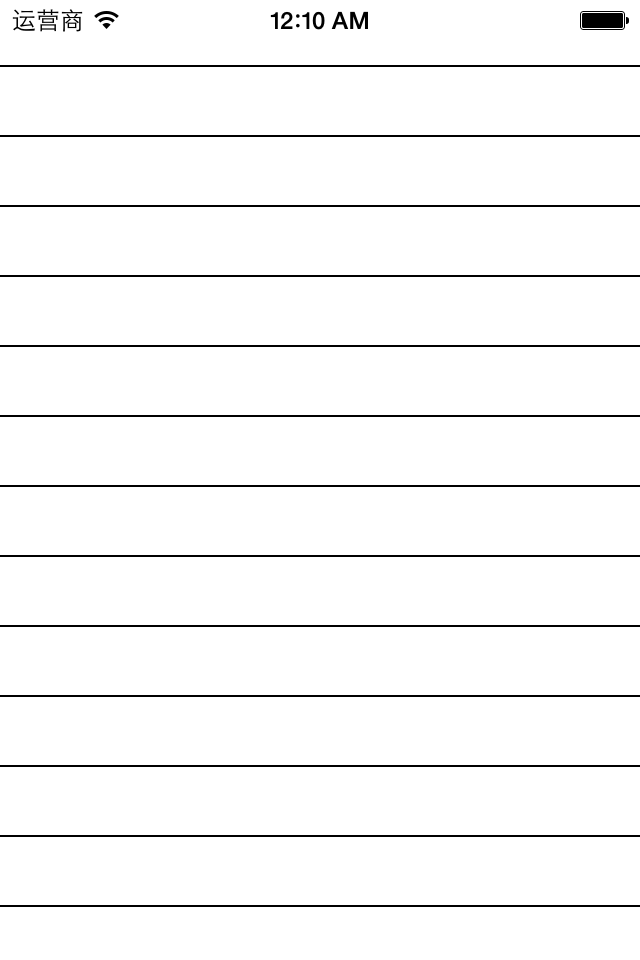
效果:
三、应用场景
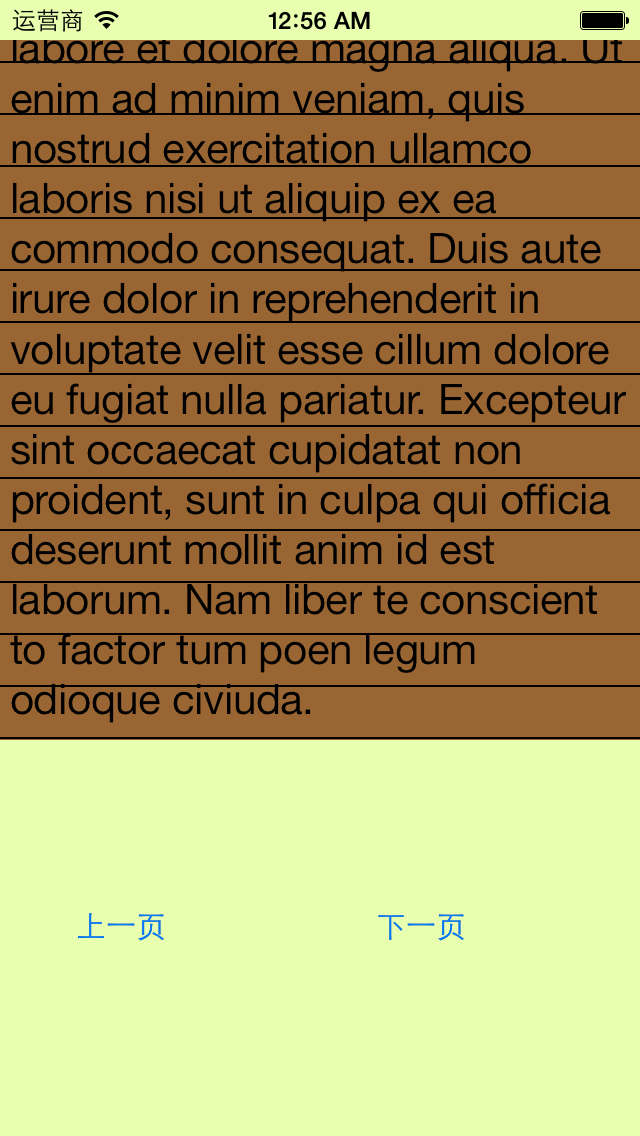
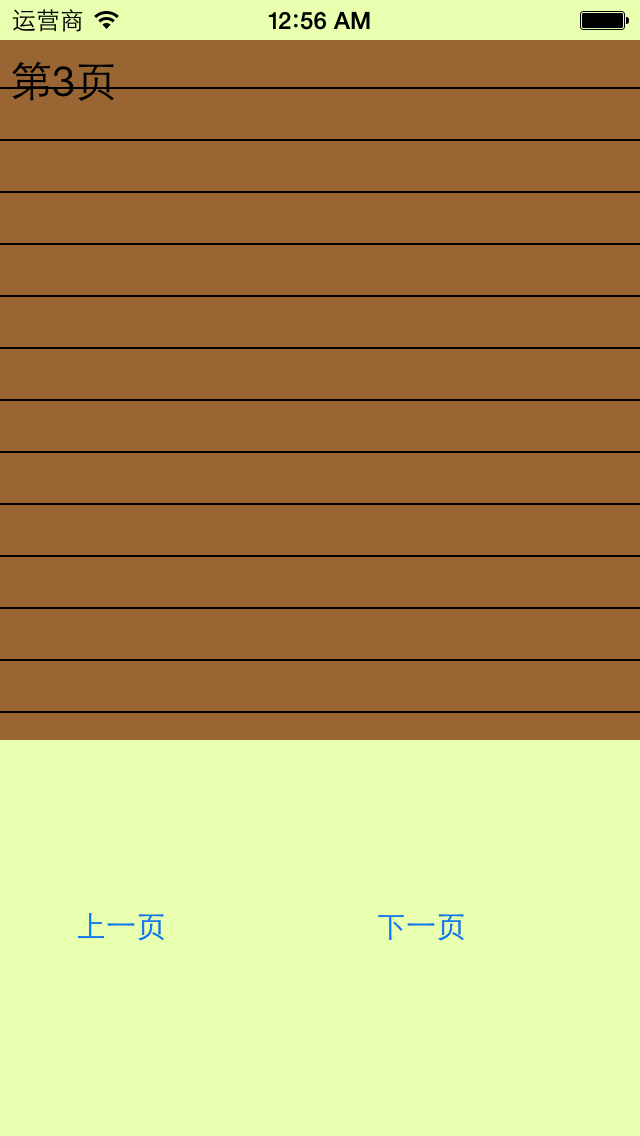
完成一个简陋的电子书阅读器
代码:
 //

 //  YYViewController.m

 //  01-信纸条纹

 //

 //  Created by 孔医己 on 14-6-11.

 //  Copyright (c) 2014年 itcast. All rights reserved.

 //

 #import "YYViewController.h"

 @interface YYViewController ()

 @property (weak, nonatomic) IBOutlet UITextView *textview;

 - (IBAction)perBtnClick:(UIButton *)sender;

 - (IBAction)nextBtnClick:(UIButton *)sender;

 @property(nonatomic,assign)int index;

 @end

 @implementation YYViewController

 - (void)viewDidLoad

 {

     [super viewDidLoad];

     // 1.生成一张以后用于平铺的小图片

     CGSize size = CGSizeMake(self.view.frame.size.width, );

     UIGraphicsBeginImageContextWithOptions(size , NO, );

     // 2.画矩形

     CGContextRef ctx = UIGraphicsGetCurrentContext();

     CGFloat height = ;

     CGContextAddRect(ctx, CGRectMake(, , self.view.frame.size.width, height));

     [[UIColor brownColor] set];

     CGContextFillPath(ctx);

     // 3.画线条

     CGFloat lineWidth = ;

     CGFloat lineY = height - lineWidth;

     CGFloat lineX = ;

     CGContextMoveToPoint(ctx, lineX, lineY);

     CGContextAddLineToPoint(ctx, , lineY);

     [[UIColor blackColor] set];

     CGContextStrokePath(ctx);

     UIImage *image=UIGraphicsGetImageFromCurrentImageContext();

     UIColor *color=[UIColor colorWithPatternImage:image];

     //self.view.backgroundColor=color;

     self.textview.backgroundColor=color;

 }

 - (IBAction)perBtnClick:(UIButton *)sender {

     self.index--;

     self.textview.text=[NSString stringWithFormat:@"第%d页",self.index];

     CATransition *ca = [[CATransition alloc] init];

     ca.type = @"pageCurl";

     [self.textview.layer addAnimation:ca forKey:nil];

 }

 - (IBAction)nextBtnClick:(UIButton *)sender {

     self.index++;

     self.textview.text=[NSString stringWithFormat:@"第%d页",self.index];

     CATransition *ca = [[CATransition alloc] init];

     ca.type = @"pageCurl";

     [self.textview.layer addAnimation:ca forKey:nil];

 }

 @end
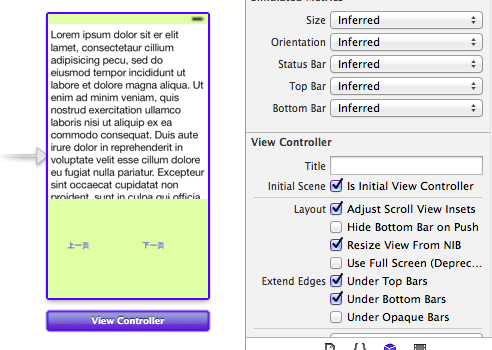
storyboard中的界面布局
实现的简单效果:
iOS开发UI篇—Quartz2D使用(信纸条纹)的更多相关文章
- iOS开发UI篇—Quartz2D使用(绘制基本图形)
iOS开发UI篇—Quartz2D使用(绘制基本图形) 一.简单说明 图形上下文(Graphics Context):是一个CGContextRef类型的数据 图形上下文的作用:保存绘图信息.绘图状态 ...
- iOS开发UI篇—Quartz2D简单介绍
iOS开发UI篇—Quartz2D简单介绍 一.什么是Quartz2D Quartz 2D是⼀个二维绘图引擎,同时支持iOS和Mac系统 Quartz 2D能完成的工作: 绘制图形 : 线条\三角形\ ...
- iOS开发UI篇—Quartz2D简单使用(一)
iOS开发UI篇—Quartz2D简单使用(一) 一.画直线 代码: // // YYlineview.m // 03-画直线 // // Created by apple on 14-6-9. // ...
- iOS开发UI篇—Quartz2D简单使用(二)
iOS开发UI篇—Quartz2D简单使用(二) 一.画文字 代码: // // YYtextview.m // 04-写文字 // // Created by 孔医己 on 14-6-10. // ...
- iOS开发UI篇—Quartz2D使用(图形上下文栈)
iOS开发UI篇—Quartz2D使用(图形上下文栈) 一.qurza2d是怎么将绘图信息和绘图的属性绘制到图形上下文中去的? 说明: 新建一个项目,自定义一个view类和storyboard关联后, ...
- iOS开发UI篇—Quartz2D使用(矩阵操作)
iOS开发UI篇—Quartz2D使用(矩阵操作) 一.关于矩阵操作 1.画一个四边形 通过设置两个端点(长和宽)来完成一个四边形的绘制. 代码: - (void)drawRect:(CGRect)r ...
- iOS开发UI篇—Quartz2D使用(图片剪切)
iOS开发UI篇—Quartz2D使用(图片剪切) 一.使用Quartz2D完成图片剪切 1.把图片显示在自定义的view中 先把图片绘制到view上.按照原始大小,把图片绘制到一个点上. 代码: - ...
- iOS开发UI篇—Quartz2D简单使用(三)
iOS开发UI篇—Quartz2D简单使用(三) 一.通过slider控制圆的缩放 1.实现过程 新建一个项目,新建一个继承自UIview的类,并和storyboard中自定义的view进行关联. 界 ...
- iOS开发UI篇—Quartz2D使用(绘图路径)
iOS开发UI篇—Quartz2D使用(绘图路径) 一.绘图路径 A.简单说明 在画线的时候,方法的内部默认创建一个path.它把路径都放到了path里面去. 1.创建路径 cgmutablepat ...
随机推荐
- HDU 1258 Sum It Up
Sum It Up Time Limit: 2000/1000 MS (Java/Others) Memory Limit: 65536/32768 K (Java/Others)Total S ...
- Swift数据类型简介(二)
整数 整数就是没有小数部分的数字,比如42和-23.整数可以是有符号(正.负.零)或者无符号(正.零). Swift 提供了8,16,32和64位的有符号和无符号整数类型.这些整数类型和 C 语言的命 ...
- maven参考文章推荐
maven依赖.聚合.继承.版本管理:https://my.oschina.net/u/204498/blog/545724 maven profile : http://elim.iteye.com ...
- 自定义view
这两篇文章不可错过,是最靠谱的基础文献.总的来说,如果想完全定制,就继承与于View类:如果只是在原有控件基础上拓展,那就继承TextView.Button或者LinearLayout等.接下来,就以 ...
- [充电][库]Zlib文件压缩和解压
原文链接: http://www.cnblogs.com/fairycao/archive/2009/12/09/1620414.html 开源代码:http://www.zlib.net/zlib使 ...
- Script 语言的简单练习题 乘法口诀
<script>for(var i=1;i<=9;i++){ for(var k=1;k<=i;k++) { document.write(k+"x"+i+ ...
- Google 面试题和详解
Google的面试题在刁钻古怪方面相当出名,甚至已经有些被神化的味道.这个话题已经探讨过很多次,而科技博客 BusinessInsider这两天先是贴出15道Google面试题并一一给出了答案,其中不 ...
- android 布局优化常用技巧
android对多个模块都要是要的UI逻辑的致辞除了fragment之外,没有别的东西可以支持了, include,merge,viewstub只能支持公用的ui,但是这个通用支持不能包含逻辑(jav ...
- EXCEL计算数字、汉字、英文单元格的计数
1.数字COUNT(A1:A100)2.汉字{=SUMPRODUCT(IF(LEN(A1:A100)LENB(A1:A100),1,0)*1)}3.英文{=SUMPRODUCT(IF(ISTEXT(A ...
- StudyFoxCMS-6
1.phpstrom中安装emmet File=>Settings=>Plugins=>右侧搜索框搜索“emmet”=>点击下方中间按钮“Browse repositories ...