
Quickstart: Embed a Power BI Report Server report using an iFrame in SharePoint Server
In this quickstart you will learn how to embed a Power BI Report Server report by using an iFrame in a SharePoint page. If you are working with SharePoint Online, Power BI Report Server must be publicly accessible. In SharePoint Online, the Power BI Web Part that works with the Power BI service doesn’t work with Power BI Report Server.
Prerequisites
- You will need to have Power BI Report Server installed and configured.
- You will need to have Power BI Desktop optimized for Power BI Report Server installed.
- You will need to have a SharePoint environment installed and configured.
Creating the Power BI Report Server report URL
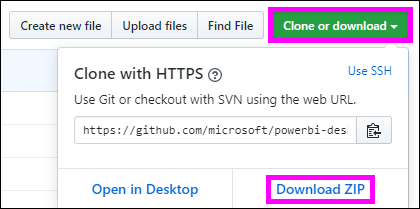
Download the sample from GitHub - Blog Demo.
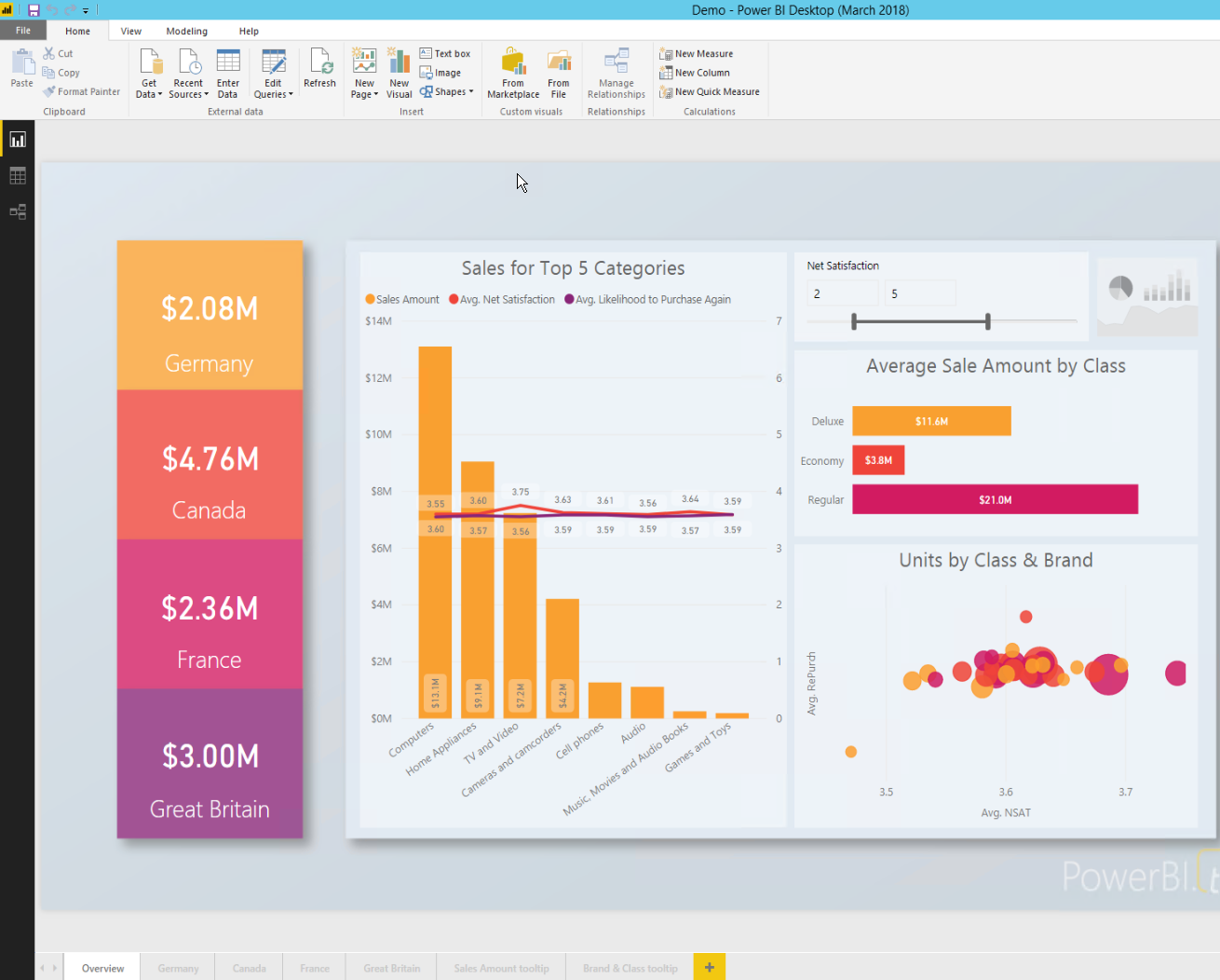
Open the sample PBIX file from GitHub in Power BI Desktop optimized for Power BI Report Server.
Save the report to the Power BI Report Server.

View report in the Web Portal.
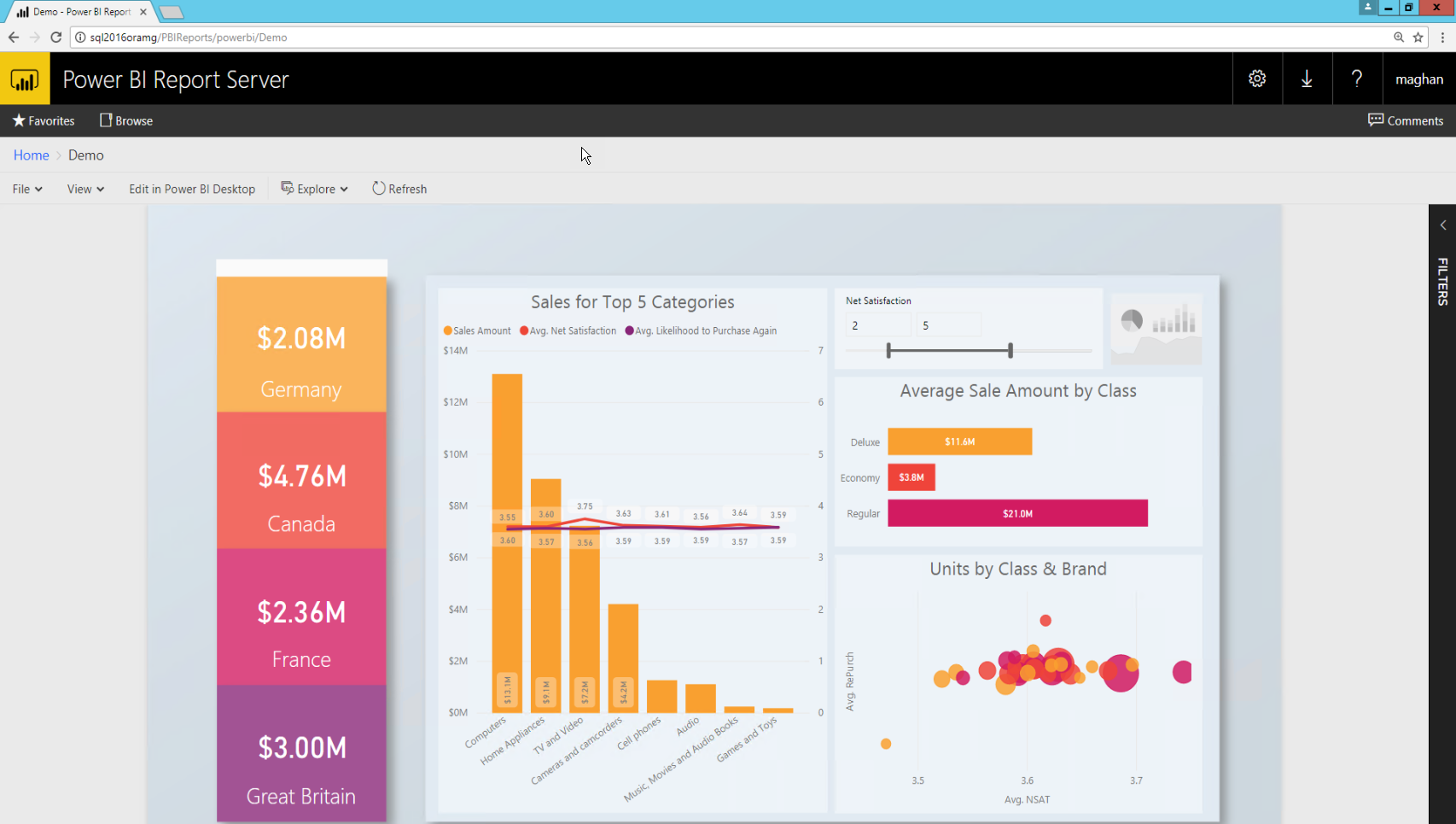
Capturing the URL parameter
Once you have your URL, you can create an iFrame within a SharePoint page, to host the report. For any Power BI Report Server report URL you can add a querystring parameter of ?rs:embed=true to embed your report into an iFrame.
For example: http://myserver/reports/powerbi/Sales?rs:embed=true
Embedding a Power BI Report Server report in a SharePoint iFrame
Navigate to a SharePoint Site Contents page.
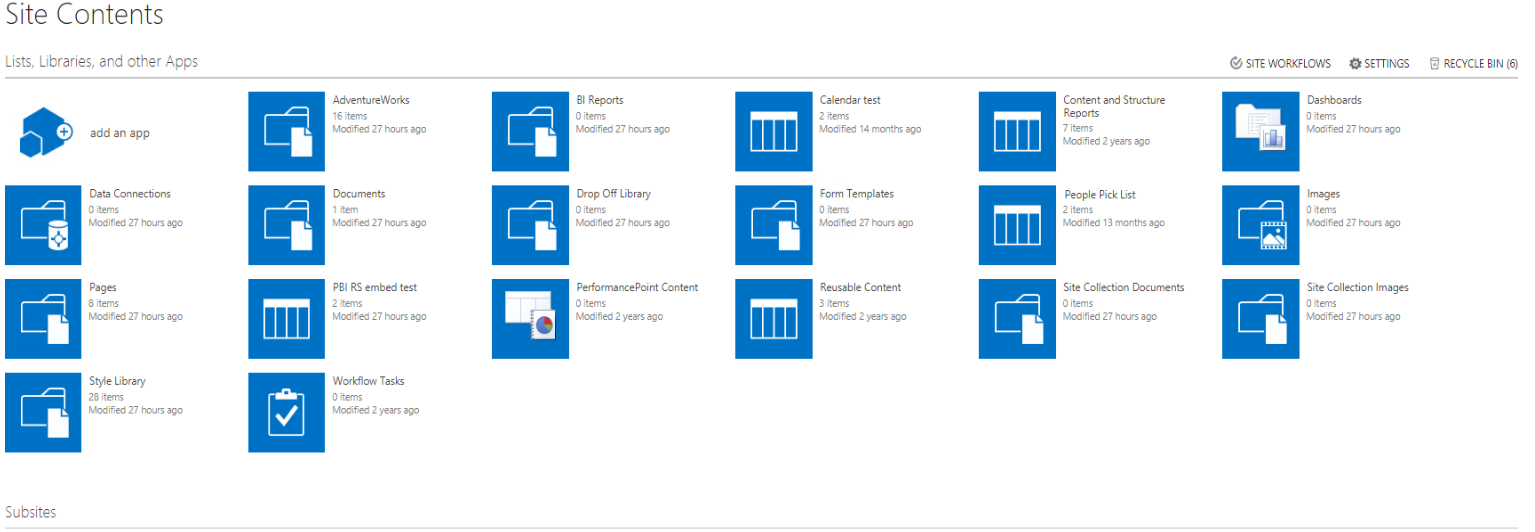
Choose the page where you want to add your report.
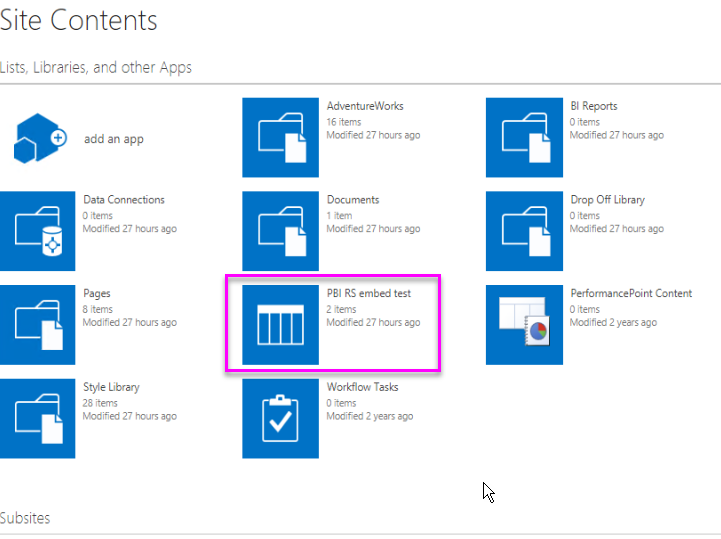
Select the gear on the top right and select Edit Page.

Select Add Web Part.
Under Categories select Media and Content, under Parts, select Content Editor, and then select Add.


Select Click here to add new content.

In the ribbon select the Format Text tab then select Edit Source.

In the Edit Source window paste your iFrame code and select OK.

For example:
Copy<iframe width="800" height="600" src="http://myserver/reports/powerbi/Sales?rs:embed=true" frameborder="0" allowFullScreen="true"></iframe>
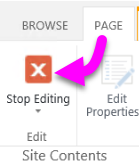
In the ribbon select the Page tab and select Stop Editing.
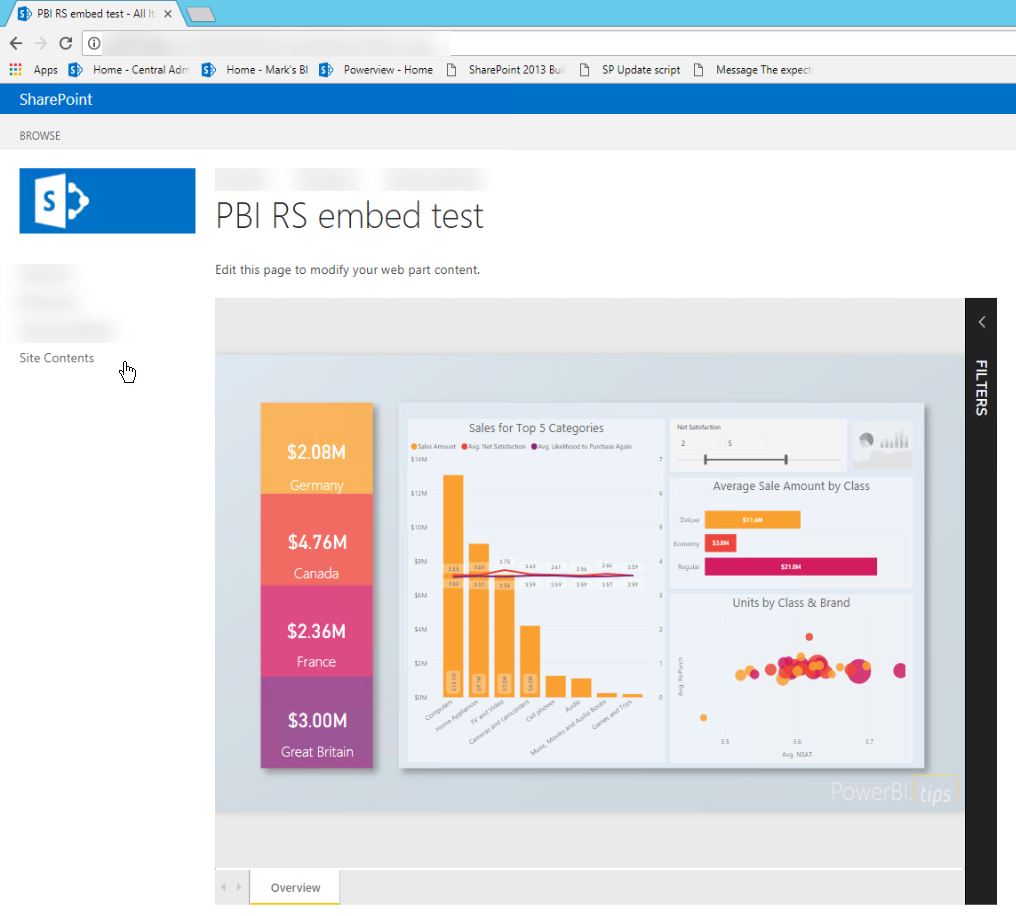
Now you should see the report on the page.
Quickstart: Embed a Power BI Report Server report using an iFrame in SharePoint Server的更多相关文章
- 微软Power BI报表服务器学习总览
今天,微软宣布了8月更新Power BI Report Server!此版本包含一些新功能,包括一些备受期待的项目,如报表主题,条件格式改进和报表页面工具提示. 报告 报告主题 用于触发操作的按钮 组 ...
- 微软Power BI 每月功能更新系列——8月Power BI 新功能学习
Power BI Desktop 8月新功能摘要 Power BI 产品八月发布的新版本又刷新了大家所期待的一些功能,它可以更方便的解决我们从用户那里听到的一些最重要的请求:其中最令人兴奋的是我们的导 ...
- Tutorial: Importing and analyzing data from a Web Page using Power BI Desktop
In this tutorial, you will learn how to import a table of data from a Web page and create a report t ...
- 2019微软Power BI 每月功能更新系列——Power BI 4月版本功能完整解读
Power BI4月份的更新对整个产品进行了重大更新.此版本增加了基于DAX表达式定义视觉效果标题和按钮URL的功能.本月Power BI也新增了许多新的连接器,现在可以使用几种预览连接器,包括Pow ...
- 2019 Power BI最Top50面试题,助你面试脱颖而出系列<下>
Q:什么是附加题? A:这就是常说的送分可选题,可做可不做:也可以说是加分项,是难点提升题. Power BI 面试题 — 附加题 33)什么是 Power View? 答案: Power View是 ...
- 自助分析工具Power BI的简介和应用
作为一名资深的IT技术人,特别喜欢学习和尝试新技术,也勇于接受挑战,勇于创新,不仅能发现问题,更要解决实际的疑难杂症,闲暇时光也乐于分享一些技术干货.记得2017年的时候,华章出版社的编辑通过网上找到 ...
- Power BI for Office 365 概览
伴随着数据量的日益增长,通过自服务式的商业智能把数据转换成辅助决策支持的工具,越来越成为迫切的需求.在以前,处理这些数据往往只是IT人员范围内的事,但是通过Power BI for Office 36 ...
- 系统升级日记(2)- 升级到SharePoint Server 2013
最近一段时间在公司忙于将各类系统进行升级,其最主要的目标有两个,一个是将TFS2010升级到TFS2013,另外一个是将SharePoint 2010升级到SharePoint 2013.本记录旨在记 ...
- 部署解决方案包 (SharePoint Server 2010)
转:http://technet.microsoft.com/zh-cn/library/cc262995(v=office.14).aspx 本文介绍各个解决方案包,及其在 Microsoft Sh ...
随机推荐
- 零基础学Python--------第4章 序列的应用
第4章 序列的应用 4.1序列 序列是一块用于存放多个值的连续内存空间,并且按上一定顺序排列,每一个值(称为元素)都分配一个数字,称为索引或位置.通过该索引可以取出相应的值.例如,我们可以把一家酒店看 ...
- permissions is only granted to system apps 错误
permissions is only granted to system apps androidstudio中: File - Setting - Editor - Inspections, An ...
- HTTPS 站点的性能优化
HTTPS 站中的几大难题 性能,包括: HTTPS需要多次握手,因此网络耗时变长,用户从HTTP跳转到HTTPS需要一些时间: HTTPS要做RSA校验,这会影响到设备性能: 所有CDN节点要支持H ...
- Vue移动端项目模板
一个集成移动端开发插件的Vue移动端模板包含1.css: 使用stylus开发css 集成reset样式文件 修改UI组件文件 统一样式处理(如主题色等)2.UI组件 使用热门的vant与mint-u ...
- Apex 中操作用户和组
用户和组概述 Salesforce中对于用户的定义主要体现于两个对象:用户(User)和组(Group).组的成员可以是用户也可以是另一个组. Salesforce中的组可以有多种表示方法,比如队列( ...
- 设置抓包工具Fiddler的host
大家都知道在电脑本地上有一个Host文件. Hosts文件主要作用是定义IP地址和主机名的映射关系,是一个映射IP地址和主机名的规定.可以用文本文件打开!当用户在浏览器中输入一个需要登录的网址时,系统 ...
- C#获得指定目录床架时间、更新时间和最后访问时间等信息的代码
将做工程过程常用的内容片段备份一次,下面的内容内容是关于C#获得指定目录床架时间.更新时间和最后访问时间等信息的内容,希望能对小伙伴们也有用. using System;using System.IO ...
- windows搭建golang环境
由于墙的存在,很多网址无法下载,推荐https://studygolang.com/dl去下载. windows需要配置几个环境变量,我是下载的压缩文件,所以需要自己配置,通过安装程序安装的应该不需要 ...
- java反射(java.lang.reflect) ---普通单例模式唯一性问题
1. 普通的饱汉式.饿汉式 package org.bighead.test2; public class TestPrivate { private String str = "strPr ...
- Python爬虫之正则表达式(2)
# 最常规的匹配 import re content = 'Hello 123 4567 World_This is a Regex Demo' print(len(content)) result ...