
UIScrollView视差模糊效果
UIScrollView视差模糊效果

效果


源码
https://github.com/YouXianMing/Animations
//

//  ScrollBlurImageViewController.m

//  Animations

//

//  Created by YouXianMing on 15/11/25.

//  Copyright © 2015年 YouXianMing. All rights reserved.

//

#import "ScrollBlurImageViewController.h"

#import "MoreInfoView.h"

#import "UIView+SetRect.h"

#import "Math.h"

#import "UIImage+ImageEffects.h"

static int viewTag = 0x11;

@interface ScrollBlurImageViewController () <UIScrollViewDelegate>

@property (nonatomic, strong) NSArray       *picturesArray;

@property (nonatomic, strong) UIScrollView  *scrollView;

@property (nonatomic, strong) Math          *onceLinearEquation;

@end

@implementation ScrollBlurImageViewController

- (void)viewDidLoad {

    [super viewDidLoad];

}

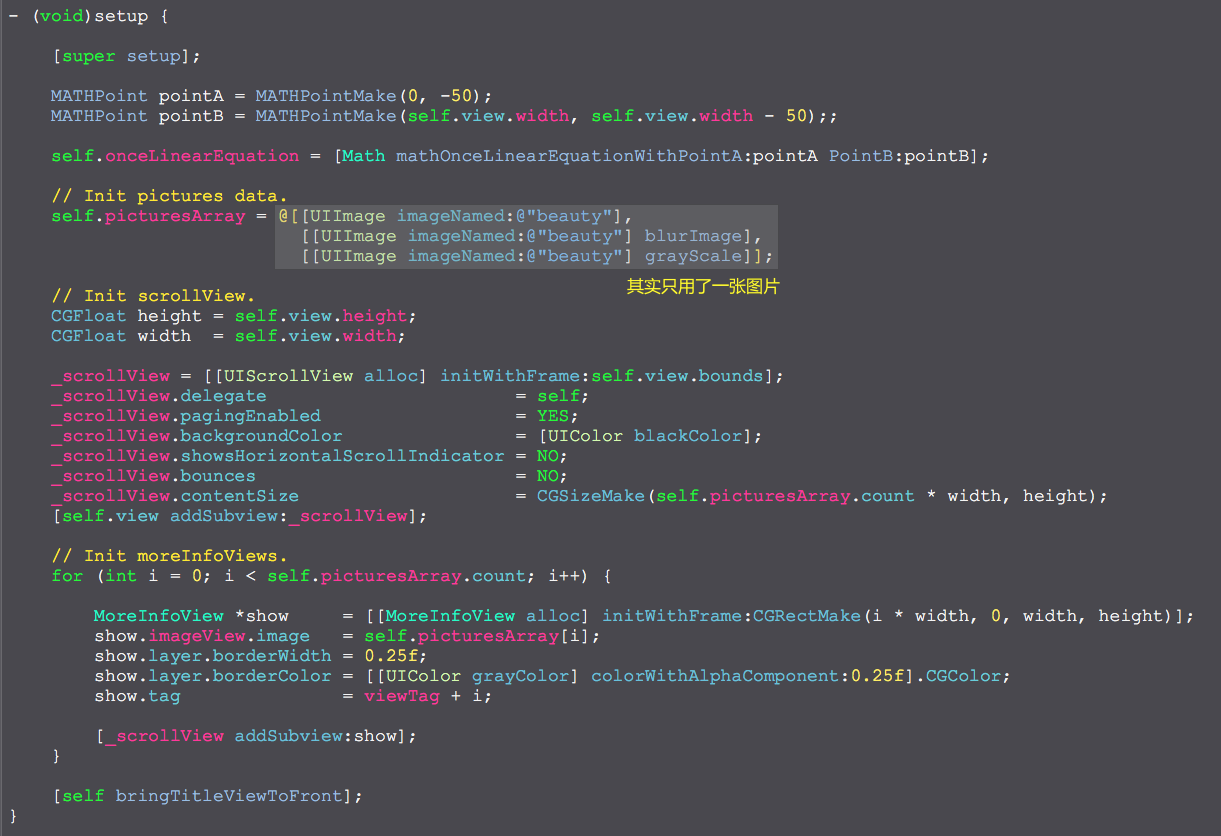
- (void)setup {

    [super setup];

    MATHPoint pointA = MATHPointMake(, -);

    MATHPoint pointB = MATHPointMake(self.view.width, self.view.width - );;

    self.onceLinearEquation = [Math mathOnceLinearEquationWithPointA:pointA PointB:pointB];

    // Init pictures data.

    self.picturesArray = @[[UIImage imageNamed:@"beauty"],

                           [[UIImage imageNamed:@"beauty"] blurImage],

                           [[UIImage imageNamed:@"beauty"] grayScale]];

    // Init scrollView.

    CGFloat height = self.view.height;

    CGFloat width  = self.view.width;

    _scrollView = [[UIScrollView alloc] initWithFrame:self.view.bounds];

    _scrollView.delegate                       = self;

    _scrollView.pagingEnabled                  = YES;

    _scrollView.backgroundColor                = [UIColor blackColor];

    _scrollView.showsHorizontalScrollIndicator = NO;

    _scrollView.bounces                        = NO;

    _scrollView.contentSize                    = CGSizeMake(self.picturesArray.count * width, height);

    [self.view addSubview:_scrollView];

    // Init moreInfoViews.

    for (int i = ; i < self.picturesArray.count; i++) {

        MoreInfoView *show     = [[MoreInfoView alloc] initWithFrame:CGRectMake(i * width, , width, height)];

        show.imageView.image   = self.picturesArray[i];

        show.layer.borderWidth = 0.25f;

        show.layer.borderColor = [[UIColor grayColor] colorWithAlphaComponent:0.25f].CGColor;

        show.tag               = viewTag + i;

        [_scrollView addSubview:show];

    }

    [self bringTitleViewToFront];

}

- (void)scrollViewDidScroll:(UIScrollView *)scrollView {

    CGFloat X = scrollView.contentOffset.x;

    for (int i = ; i < self.picturesArray.count; i++) {

        MoreInfoView *show = [scrollView viewWithTag:viewTag + i];

        show.imageView.x   = _onceLinearEquation.k * (X - i * self.view.width) + _onceLinearEquation.b;

    }

}

@end
细节
UIScrollView视差模糊效果的更多相关文章
- UIScrollView视差效果动画
UIScrollView视差效果动画 效果 源码 https://github.com/YouXianMing/Animations // // ScrollImageViewController.m ...
- iOS、mac开源项目及库汇总
原文地址:http://blog.csdn.net/qq_26359763/article/details/51076499 iOS每日一记------------之 中级完美大整理 iOS.m ...
- iOS开发常用第三方库
UI 动画 网络相关 Model 其他 数据库 缓存处理 PDF 图像浏览及处理 摄像照相视频音频处理 响应式框架 消息相关 版本新API的Demo 代码安全与密码 测试及调试 AppleWatch ...
- IOS常用第三方库《转》
UI 动画 网络相关 Model 其他 数据库 缓存处理 PDF 图像浏览及处理 摄像照相视频音频处理 响应式框架 消息相关 版本新API的Demo 代码安全与密码 测试及调试 AppleWatch ...
- iOS常用第三方库大全,史上最全第三方库收集
下拉刷新 EGOTableViewPullRefresh – 最早的下拉刷新控件. SVPullToRefresh – 下拉刷新控件. MJRefresh – 仅需一行代码就可以为UITableVie ...
- 最全面的iOS和Mac开源项目和第三方库汇总
标签: UI 下拉刷新 EGOTableViewPullRefresh – 最早的下拉刷新控件. SVPullToRefresh – 下拉刷新控件. MJRefresh – 仅需一行代码就可以为UIT ...
- iOS酷炫动画效果合集
iOS酷炫动画效果合集 源码地址 https://github.com/YouXianMing/Animations 效果绝对酷炫,包含了多种多样的动画类型,如POP.Easing.粒子效果等等,虽然 ...
- Swift - 用UIScrollView实现视差动画效果
Swift - 用UIScrollView实现视差动画效果 效果 源码 https://github.com/YouXianMing/Swift-Animations // // MoreInfoVi ...
- 用UIScrollView产生视差效果
用UIScrollView产生视差效果 效果: 高级效果: 源码: MoreInfoView.h + MoreInfoView.m // // MoreInfoView.h // YXCell / ...
随机推荐
- HBase(五)HBase的API操作
一.项目环境搭建 新建 Maven Project,新建项目后在 pom.xml 中添加依赖: <dependency> <groupId>org.apache.hbase&l ...
- Linux下光盘镜像生成和刻录
mkiosfs命令如在/root/下有文件file1 file2 file3maiosfs -o img.ios file1 file2 file3该命令将file1 file2 file3放入到im ...
- JS学习笔记(一)DOM事件和监听
将事件绑定到元素身上的三种方法: 1.HTML事件处理程序(不推荐使用) 1 <a onclick="hide()"> 2.传统的DOM事件处理程序 即在目标DOM事件 ...
- ECshop语言包lang的加载原理
当前使用的ecshop的版本:2.7.3,ecshop 2.7.3版本的网店系统的语言包的位置是ecshop文件下 languages/xxx/ 其中的xxx表示各种语言的文件夹,里面存放指定语言 ...
- liniux Crontab 的重启和设置
重启crontab,service cron restart 05 01 * * * /usr/local/php/bin/php FILE 10,30,50 * * * * /usr/local/p ...
- Swift2.0语言教程之类的嵌套与可选链接
Swift2.0语言教程之类的嵌套与可选链接 Swift2.0语言类的嵌套 在一个类中可以嵌套一个或者多个类.它们的嵌套形式也是不同的,大致分为了两种:直接嵌套和多次嵌套.下面依次讲解这两种方式. S ...
- new Date 兼容性问题
IOS 11.1.2 iphoneX 下面解析 // 下面的代码会报错 var d = new Date('2018-09-20 19:20:32'); alert(d.getTime()); 必 ...
- 数据预处理:标准化(Standardization)
注:本文是人工智能研究网的学习笔记 常用的数据预处理方式 Standardization, or mean removal and variance scaling Normalization: sc ...
- 冒泡排序(高级版)之C++实现
冒泡排序(高级版)之C++实现 一.源代码:BubbleSortHigh.cpp #include<iostream> using namespace std; /*定义输出一维数组的函数 ...
- zoj 3469 区间dp **
题意:有一家快餐店送外卖,现在同时有n个家庭打进电话订购,送货员得以V-1的速度一家一家的运送,但是每一个家庭都有一个不开心的值,每分钟都会增加一倍,值达到一定程度,该家庭将不会再订购外卖了,现在为了 ...