
.net core 读取、修改配置文件appsettings.json
.net core 设置读取JSON配置文件 appsettings.json
Startup.cs 中
    public class Startup

    {

        public Startup(IHostingEnvironment env)

        {

            Configuration = new ConfigurationBuilder()

                .SetBasePath(env.ContentRootPath)

                .AddJsonFile("appsettings.json", optional: true, reloadOnChange: true)

                .AddJsonFile($"appsettings.{env.EnvironmentName}.json", optional: true, reloadOnChange: true)  //增加环境配置文件,新建项目默认有

                .AddEnvironmentVariables()

                .Build();

        }

        public IConfiguration Configuration { get; }

....
类库中
            var builder = new ConfigurationBuilder()

                .SetBasePath(Directory.GetCurrentDirectory())

                .AddJsonFile("appsettings.json")

                .AddJsonFile("appsettings.Test.json", true, reloadOnChange: true);

            var config = builder.Build();

            //读取配置

           var a = config["JWTSettings:Secret"];
使用.AddJsonFile("appsettings.json", optional: true, reloadOnChange: true)这种方法可以保证可以修改正在运行的dotnet core 程序,不需要重启程序
使用Newtonsoft.Json 查询/修改,以及修改 appsettings.json 文件
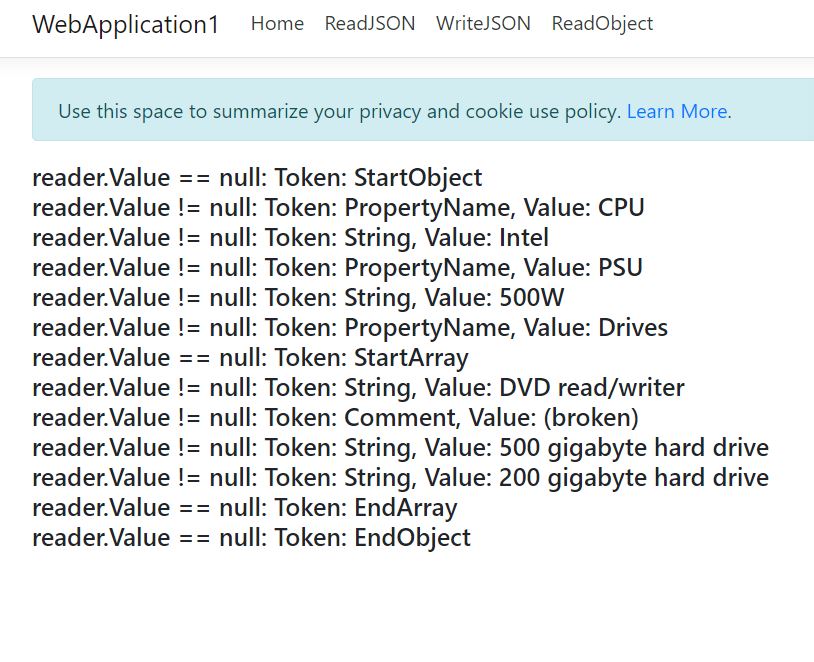
ReadObject
        public IActionResult ReadObject()

        {

            string json = @"{

   'CPU': 'Intel',

   'PSU': '500W',

   'Drives': [

     'DVD read/writer'

     /*(broken)*/,

     '500 gigabyte hard drive',

     '200 gigabyte hard drive'

   ]

}";

            JsonTextReader reader = new JsonTextReader(new StringReader(json));

            var string1 = "";

            while (reader.Read())

            {

                if (reader.Value != null)

                {

                    string1 += "reader.Value != null: Token: " + reader.TokenType + ", Value: " + reader.Value + " <br/>";

                }

                else

                {

                    string1 += "reader.Value == null: Token: " + reader.TokenType + " <br/>";

                }

            }

            ViewData["string"] = string1;

            return View();

        }
ReadJSON 读取Json 文件
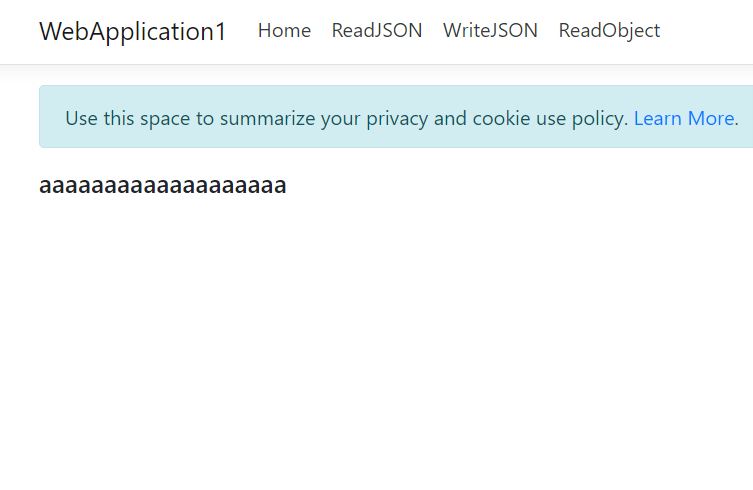
Newtonsoft.Json
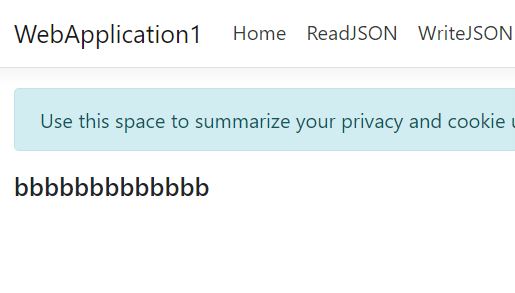
使用Newtonsoft.Json效果如截图
    public class HomeController : Controller

    {

        private readonly IHostingEnvironment _hostingEnvironment;

        public HomeController(IHostingEnvironment hostingEnvironment)

        {

            _hostingEnvironment = hostingEnvironment;

        }

        public IActionResult ReadJSON()

        {

            string contentPath = _hostingEnvironment.ContentRootPath + @"\"; ;   //项目根目录

            var filePath = contentPath + "appsettings.json";

            using (StreamReader file = new StreamReader(filePath))

            using (JsonTextReader reader = new JsonTextReader(file))

            {

                JObject o2 = (JObject)JToken.ReadFrom(reader);

                string LicenceKey = (string)o2["appSettings"]["Key"];

                ViewData["string"] = LicenceKey;

                return View();

            }

        }
Microsoft.Extensions.Configuration
使用Microsoft.Extensions.Configuration
        public IActionResult Index()

        {

            var builder = new ConfigurationBuilder()

                .SetBasePath(Directory.GetCurrentDirectory())

                .AddJsonFile("appsettings.json")

                .AddJsonFile("appsettings.Test.json", true, reloadOnChange: true);

            var config = builder.Build();

            //读取配置

            ViewData["Secret"] = config["appSettings:Key"];

            return View();

        }
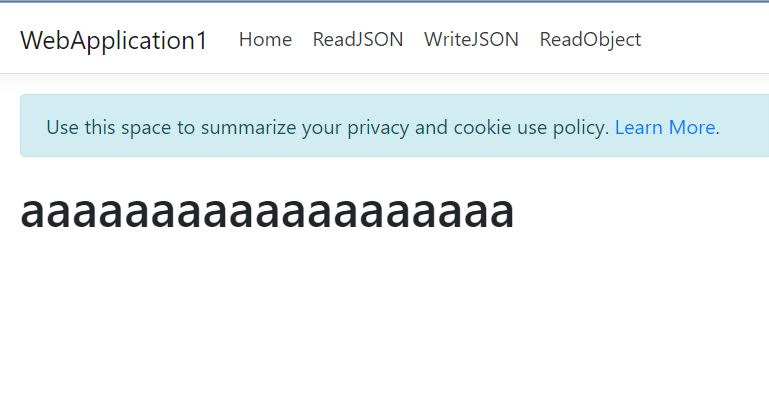
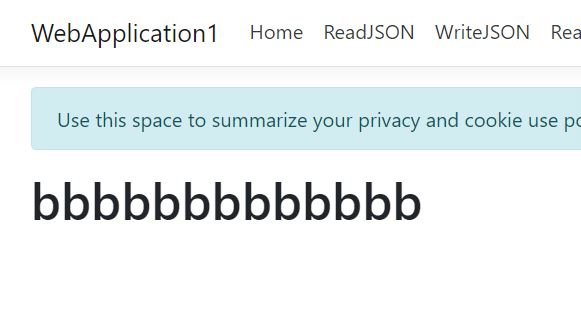
修改 appsettings.json后的效果
Newtonsoft.Json
Microsoft.Extensions.Configuration
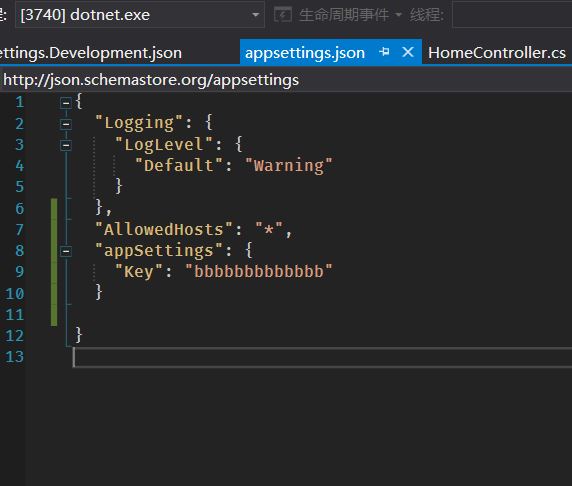
修改 appsettings.json
StreamWriter直接覆盖
    public class HomeController : Controller

    {

        private readonly IHostingEnvironment _hostingEnvironment;

        public HomeController(IHostingEnvironment hostingEnvironment)

        {

            _hostingEnvironment = hostingEnvironment;

        }

        public IActionResult WriteJSON()

        {

            string contentPath = _hostingEnvironment.ContentRootPath + @"\"; ;   //项目根目录

            var filePath = contentPath + "appsettings.json";

            JObject jsonObject;

            using (StreamReader file = new StreamReader(filePath))

            using (JsonTextReader reader = new JsonTextReader(file))

            {

                jsonObject = (JObject)JToken.ReadFrom(reader);

                jsonObject["appSettings"]["Key"] = "asdasdasdasd";

            }

            using (var writer = new StreamWriter(filePath))

            using (JsonTextWriter jsonwriter = new JsonTextWriter(writer))

            {

                jsonObject.WriteTo(jsonwriter);

            }

            return View();

        }
效果如图

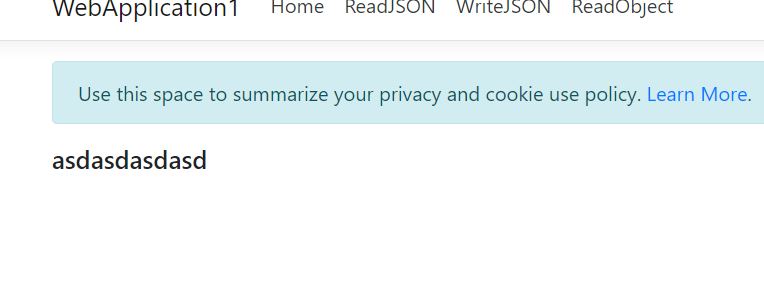
缺点 格式化的json和注释都没了
.net core 读取、修改配置文件appsettings.json的更多相关文章
- IT咨询顾问:一次吐血的项目救火 java或判断优化小技巧 asp.net core Session的测试使用心得 【.NET架构】BIM软件架构02:Web管控平台后台架构 NetCore入门篇:(十一)NetCore项目读取配置文件appsettings.json 使用LINQ生成Where的SQL语句 js_jquery_创建cookie有效期问题_时区问题
IT咨询顾问:一次吐血的项目救火 年后的一个合作公司上线了一个子业务系统,对接公司内部的单点系统.我收到该公司的技术咨询:项目启动后没有规律的突然无法登录了,重新启动后,登录一断时间后又无法重新登 ...
- asp.net core mvc 读取配置文件appsettings.json
上一篇我们将了读取自定义配置文件.这篇我们讲一下asp.net core mvc里读取自带的配置文件 appsettings.json 首先创建个asp.net core mvc项目,项目里有Prog ...
- 循序渐进学.Net Core Web Api开发系列【6】:配置文件appsettings.json
系列目录 循序渐进学.Net Core Web Api开发系列目录 本系列涉及到的源码下载地址:https://github.com/seabluescn/Blog_WebApi 一.本篇概述 本篇描 ...
- 每天记录一点:NetCore获得配置文件 appsettings.json vue-router页面传值及接收值 详解webpack + vue + node 打造单页面(入门篇) 30分钟手把手教你学webpack实战 vue.js+webpack模块管理及组件开发
每天记录一点:NetCore获得配置文件 appsettings.json 用NetCore做项目如果用EF ORM在网上有很多的配置连接字符串,读取以及使用方法 由于很多朋友用的其他ORM如S ...
- .NET Core在类库中读取配置文件appsettings.json
在.NET Framework框架时代我们的应用配置内容一般都是写在Web.config或者App.config文件中,读取这两个配置文件只需要引用System.Configuration程序集,分别 ...
- .Net Core 读取配置文件 appsettings.json
1. 首先些一个类 public class MySettings { public string P1 { get; set; } public string P2 { get; set; } } ...
- ASP.NET Core 类库中取读配置文件 appsettings.json
首先引用NuGet包 Microsoft.Extensions.Configuration Microsoft.Extensions.Configuration.Json Microsoft.Exte ...
- 读取配置文件,appsettings.json和注入ICO
https://www.cnblogs.com/knowledgesea/p/7079880.html 引入Nuget的两个类库 Microsoft.Extensions.Configuration ...
- .NET Core 获取配置文件appsettings.json 方法
using Abp.Extensions; using Microsoft.Extensions.Configuration; using System; using System.Collectio ...
随机推荐
- pytorch数据加载
一.方法一数据组织形式dataset_name----train----val from torchvision import datasets, models, transforms # Data ...
- 安装anaconda和tensorflow(windows)
Anaconda安装时勾选All User和启用环境变量可切换为清华镜像conda config --add channels https://mirrors.tuna.tsinghua.edu.cn ...
- python skimage图像处理(三)
python skimage图像处理(三) This blog is from: https://www.jianshu.com/p/7693222523c0 霍夫线变换 在图片处理中,霍夫变换主要 ...
- sumdoc t3 final dir.txt
C:\Users\zhoufeiyue\Documents\sumdoc t3 final\sumdoc t3 final dir.txtC:\Users\zhoufeiyue\Documents\s ...
- url的长度问题
url最长支持多少字符? 在http协议中,其实并没有对url长度作出限制,往往url的最大长度和用户浏览器和Web服务器有关,不一样的浏览器,能接受的最大长度往往是不一样的,当然,不一样的Web服务 ...
- iOS逆向必备绝技之ipa重签名
一.重签名准备工作: 找到开发者证书和配置文件: 列出所有开发者证书文件: security find-identity -p codesigning -v 找一个开发环境配置文件生成entitlem ...
- 二分查找时间复杂度、partition时间复杂度
二分查找时间复杂度 partition时间复杂度 O(n) = O(n) + O(n/2) + O(n/4)+.... 然后用等比求和公式得出是O(2n),即O(n)
- odoo开发笔记 -- docker容器打包到另一台服务器部署异常
场景描述: odoo.conf文件指定了数据库配置,如果docker打包的时候,没注意,新环境启动该镜像,会导致并没有连接本地的数据库,如果你配置文件中的数据库地址,当前这台服务器也可以访问到,那么问 ...
- sys/cdefs.h No such file or directory
安装如下软件: sudo apt-get libc6-dev-i386
- Python3基础 内置函数 dir 查询对象的方法列表
Python : 3.7.3 OS : Ubuntu 18.04.2 LTS IDE : pycharm-community-2019.1.3 ...