
ubuntu16.04下安装运行PL-SLAM
PL-SLAM是Ruben Gomez-Ojeda大神融合点和线特征SLAM的最新成果,并开放了源代码,本博文记录安装运行PL-SLAM遇到的一些问题。
1源代码地址
https://github.com/rubengooj/pl-slam
2编译配置PL-SLAM
安装依赖
OpenCV 3.x.x
It can be easily found at http://opencv.org.
建议安装OpenCV 3.1.0,否则编译过程中会出现一些.so文件的错误,推测作者可能用的这个版本。
参考教程
https://www.cnblogs.com/feifanrensheng/p/9042813.html
Eigen3 (tested with 3.2.92)
sudo apt-get install libeigen3-dev
Boost
sudo apt-get install libboost-dev
g2o - General Graph Optimization
It can be found at:
https://github.com/RainerKuemmerle/g2o.git
这里在编译时可能会出现错误,将安装好的g2o文件夹中的cmake_modules文件夹复制到~/pl-slam文件夹中即可。
YAML (tested with 0.5.2)
Installation on Ubuntu:
sudo apt-get install libyaml-cpp-dev
stvo-pl
It can be found at:
https://github.com/rubengooj/stvo-pl
这个项目同样是作者的工作,必须安装这个项目,因为会用到这个项目的东西。
MRPT
https://github.com/MRPT/mrpt/tree/0c3d605c3cbf5f2ffb8137089e43ebdae5a55de3
必须使用这个指定版本的MRPT,否则会编译报错
Line Descriptor
We have modified the line_descriptor module from the OpenCV/contrib library (both BSD) which is included in the 3rdparty folder.
这里不用操作,后面的脚本build.sh会一并安装。
但是这里值得特别注意,一般情况下我们安装OpenCV就够用了,但是为了使用line_descriptor,必须安装opencv_contrib,而且最好同时安装,否则会可能出现一些错误。
Configuration and generation
cd ~/pl-slam

sh build.sh
编译过程会出现找不到g2o库文件的错误,通过以下方式解决
cd /usr/local/lib

sudo ln -sv libg2o_csparse_extension.so libg2o_ext_csparse.so
Usage
Datasets configuration
We employ an environment variable, ${DATASETS_DIR}, pointing the directory that contains our datasets. Each sequence from each dataset must contain in its root folder a file named dataset_params.yaml, that indicates at least the camera model and the subfolders with the left and right images. We provide dataset parameters files for several datasets and cameras with the format xxxx_params.yaml.
关键是设置数据集路径的环境变量,阅读~/pl-slam/app/plslam-dataset.cpp可以加深理解。
gedit ~/.bashrc

export DATASETS_DIR=/home/zn(改为你的工作目录)

source ~/.bashrc
在KITTI下载kitti/00数据,并将其放到~/KITTI目录下。
将~/pl-slam/config/dataset_params/kitti00-02.yaml复制到~/KITTI/kitti/00,然后将kitti00-02.yaml改为dataset_params.yaml.
将~/pl-slam/config/config/config_kitti.yaml中vocabulary_p和vocabulary_l的路径改为自己的。
SLAM Application
./build/plslam_dataset kitti/ -c config/config/config_kitti.yaml -o -s -n
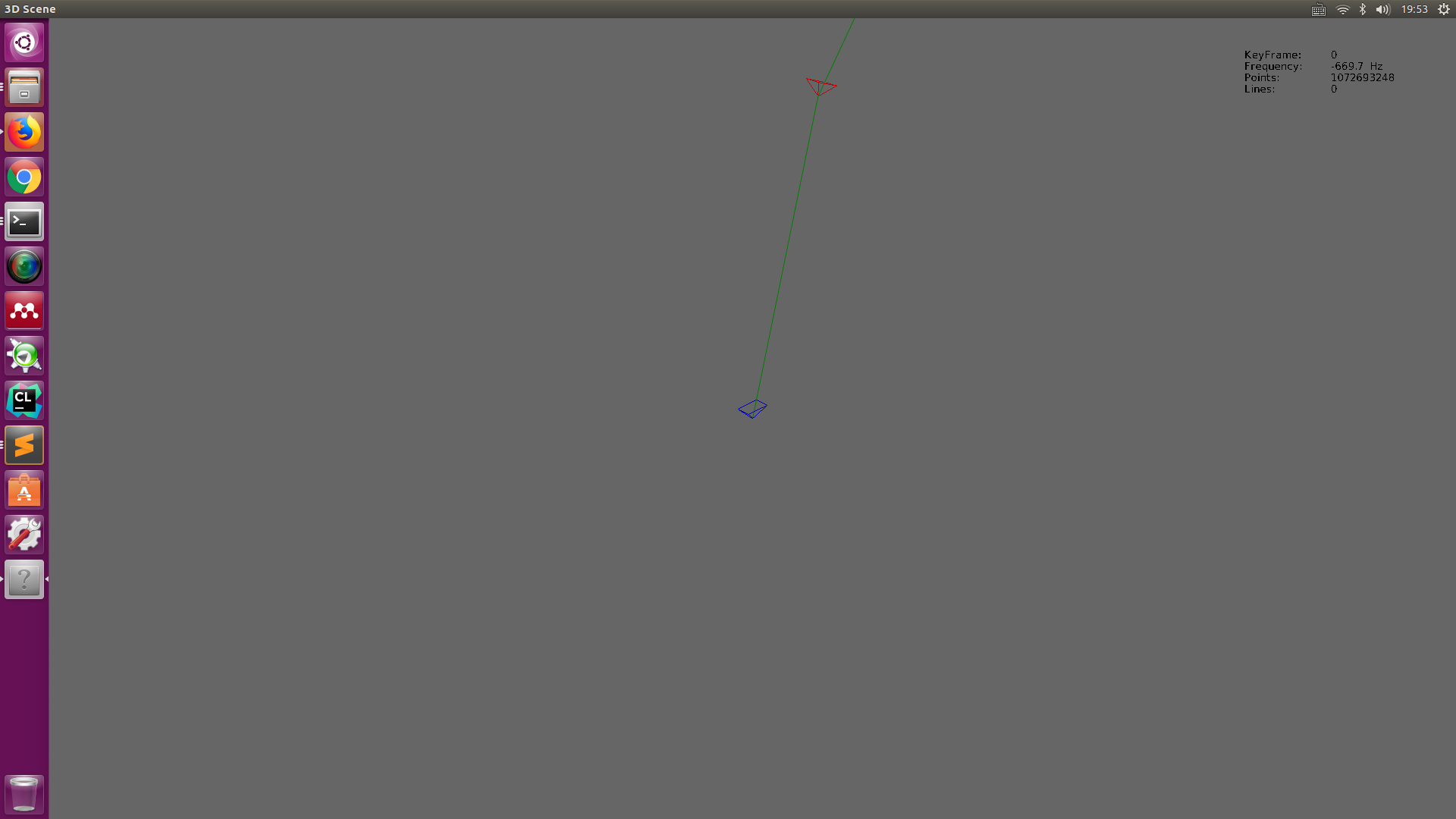
至此,整个编译测试过程完成。
ubuntu16.04下安装运行PL-SLAM的更多相关文章
- ubuntu16.04下安装运行DSO
1.下载源码 git clone https://github.com/JakobEngel/dso.git 2.安装依赖项 suitesparse and eigen3 (required). su ...
- ubuntu16.04下安装artoolkit5
目前对AR技术的常见理解就是CV(Computer Vision)+CG(Computer Graphic).CV的方法很多,简单些比如FREAK+ICP(ARToolKit中的NFT),复杂些就是S ...
- Ubuntu16.04下安装数据库oracle客户端
在Ubuntu16.04下安装oracle数据库客户端,使Django项目连接到远程Oracle数据库. 1.下载oracle客户端安装包: 进入官网http://www.oracle.com/tec ...
- Ubuntu16.04下安装redis
Ubuntu16.04下安装redis 保证网络畅通,选定好下载工作路径,执行以下命令下载redis-3.2.6: sudo wget http://download.redis.io/release ...
- docker学习笔记(一)—— ubuntu16.04下安装docker
docker学习笔记(一)—— ubuntu16.04下安装docker 原创 2018年03月01日 14:53:00 标签: docker / ubuntu 1682 本文开发环境为Ubuntu ...
- Ubuntu16.04下安装多版本cuda和cudnn
Ubuntu16.04下安装多版本cuda和cudnn 原文 https://blog.csdn.net/tunhuzhuang1836/article/details/79545625 前言 因为之 ...
- Ubuntu16.04下安装Hadoop
一.记录理由 刚开始只是想要学习怎么使用Hive的.想着安装应该很简单,没想到花了整整一天的时间来安装,为了避免下次犯同样的错误,特此记录. 二.安装Hadoop 网上教你怎么安装Hadoop的文章有 ...
- Ubuntu16.04下安装texlive
Ubuntu 16.04下安装texlive的步骤如下: 1.下载texlive 打开终端输入:sudo apt-get install texlive-full #下载这一过程会持续10-20分钟 ...
- Ubuntu16.04下安装googlechrome flash 插件和安装网易云音乐
一.ubuntu 16.04 下安装完后发现 flash无法播放没有安装flash插件因为 Adobe Flash 不再支持 linux Google 便开发了PepperFlashPlayer来替代 ...
随机推荐
- SAMBA配置文件详解
全局参数: ==================Global Settings =================== [global] config file = /usr/local/samba/ ...
- centos7 升级最新版内核 并安装 bcc-tools
centos7 升级最新版内核 升级系统 [root@jikeshijian ~]# yum update -y 安装 ELRepo [root@jikeshijian ~]# rpm --impor ...
- 性能测试基础---事务&检查点&思考时间&集合点
性能测试脚本的增强:·参数化·关联·事务·检查点·思考时间·集合点 ·事务:事务的引入是为了度量相关的业务请求的响应时间和吞吐量指标.在LR中,事务是通过两个事务函数来实现的. lr_start_tr ...
- css3 -webkit-image-set 设置不同分辨率 背景图片
- Mockito 学习资料
Mockito 学习资料 网址 单元测试指南:Mockito https://blinkfox.github.io/2018/11/15/hou-duan/java/dan-yuan-ce-shi-z ...
- Easyui 验证验证扩展,限制combobox 只能输入选项内容
$.extend($.fn.validatebox.defaults.rules, { CHS: { validator: function (value, param) { return /^[\u ...
- 16、Python面向对象进阶
一.对象的继承 Python中支持一个类同时继承多个父类 class Parent1: pass class Parent2: pass class Sub1(Parent1, Parent2): p ...
- OKR究竟适不适合国内企业?
某天见到知乎上有人提问,OKR在中国能行的通吗?细看下面的回复,多数人觉得大部分企业都是不适合的,他们认为让普通员工主动付出努力去达到更高的要求是不可能的,并且公司环境也不适合OKR的推行.但我却有不 ...
- thymeleaf做if判定
<div class="showing"> <h2>条件判断</h2> <p th:if="${testBoolean}&quo ...
- Python 10 训练模型
原文:https://www.cnblogs.com/denny402/p/7520063.html 原文:https://www.jianshu.com/p/84f72791806f 原文:http ...