
【原创】运维基础之Zabbix(1)简介、安装、使用
zabbix 4

官方:https://www.zabbix.com/
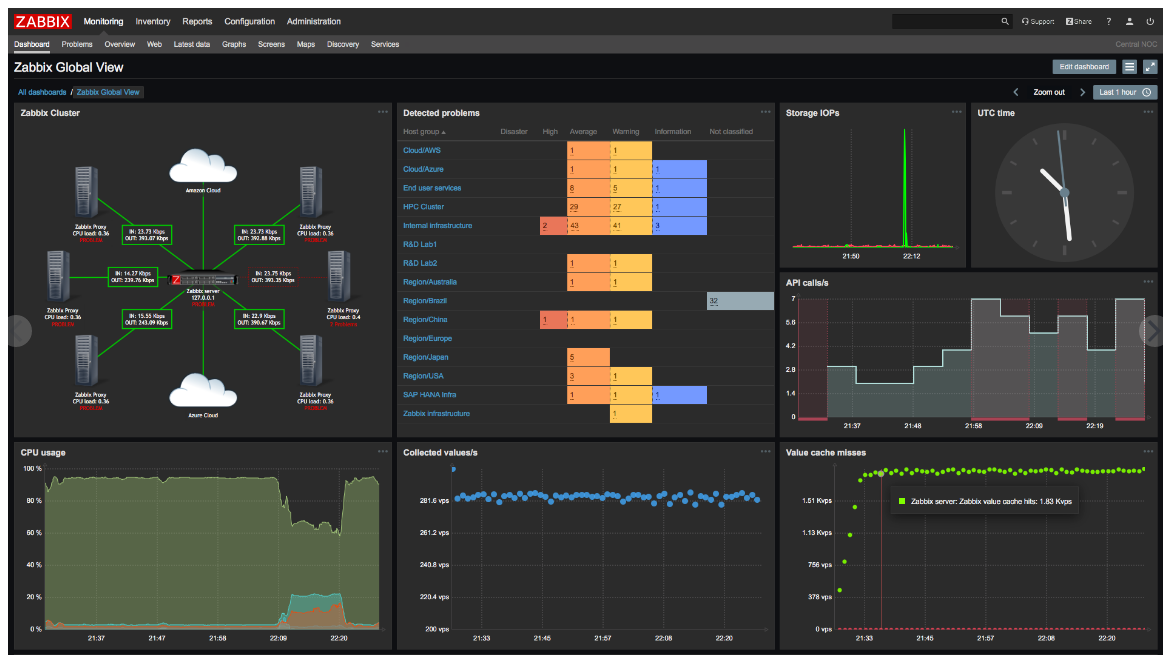
一 简介
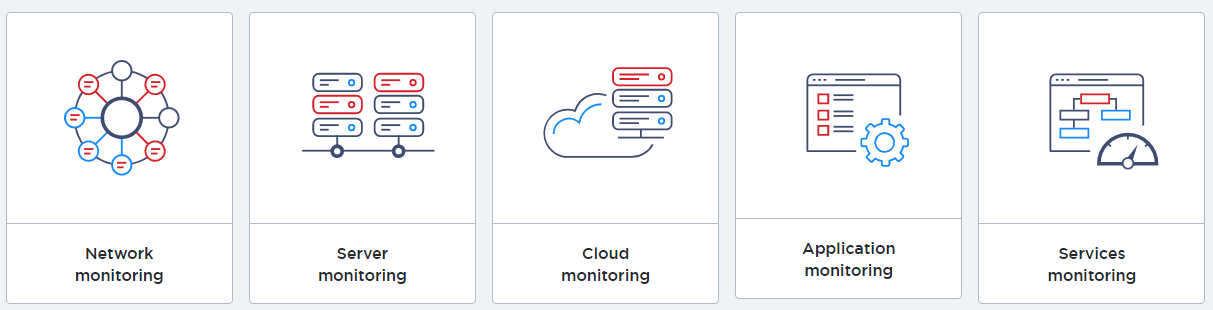
Monitor anything
Solutions for any kind of IT infrastructure, services, applications, resources
监控一切
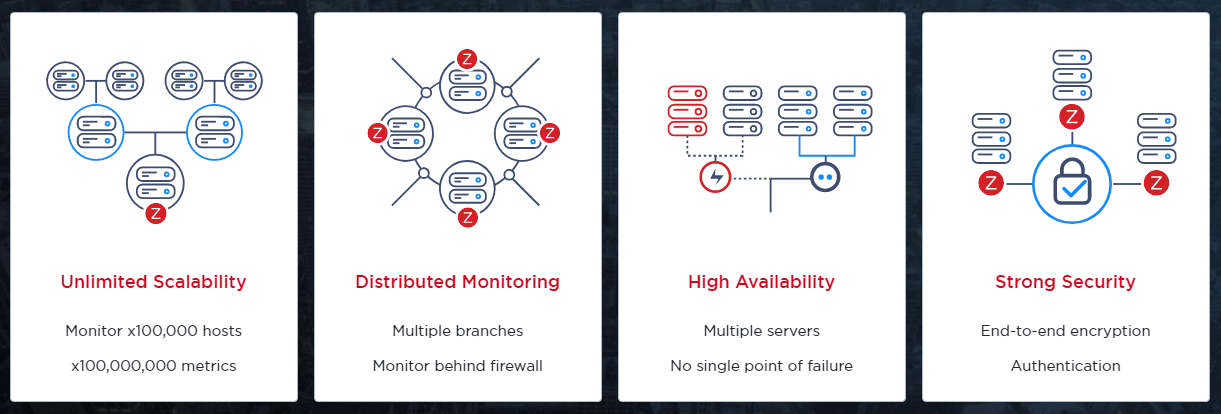
Enterprise-ready
Mature, enterprise-level platform to monitor large-scale IT environments
成熟的企业级监控平台
Zabbix is an enterprise-class open source distributed monitoring solution.
zabbix是一个开源的分布式的企业级监控方案;
Zabbix is software that monitors numerous parameters of a network and the health and integrity of servers. Zabbix uses a flexible notification mechanism that allows users to configure e-mail based alerts for virtually any event. This allows a fast reaction to server problems. Zabbix offers excellent reporting and data visualisation features based on the stored data. This makes Zabbix ideal for capacity planning.
Zabbix supports both polling and trapping. All Zabbix reports and statistics, as well as configuration parameters, are accessed through a web-based frontend. A web-based frontend ensures that the status of your network and the health of your servers can be assessed from any location. Properly configured, Zabbix can play an important role in monitoring IT infrastructure. This is equally true for small organisations with a few servers and for large companies with a multitude of servers.
角色
1 Server (zabbix-server)
Zabbix server is the central component to which agents report availability and integrity information and statistics. The server is the central repository in which all configuration, statistical and operational data are stored.
2 Agent (zabbix-agent)
Zabbix agents are deployed on monitoring targets to actively monitor local resources and applications and report the gathered data to Zabbix server.
3 Database storage (mysql)
All configuration information as well as the data gathered by Zabbix is stored in a database.
4 Web interface (httpd)
For an easy access to Zabbix from anywhere and from any platform, the web-based interface is provided. The interface is part of Zabbix server, and usually (but not necessarily) runs on the same physical machine as the one running the server.
5 Proxy(可选)
Zabbix proxy can collect performance and availability data on behalf of Zabbix server. A proxy is an optional part of Zabbix deployment; however, it may be very beneficial to distribute the load of a single Zabbix server.
二 安装
1 yum安装
# rpm -Uvh https://repo.zabbix.com/zabbix/4.0/rhel/7/x86_64/zabbix-release-4.0-1.el7.noarch.rpm
agent安装
# yum install zabbix-agentserver安装
# yum install zabbix-server-mysql zabbix-web-mysql zabbix-agent
2 初始化db
mysql> create database zabbix character set utf8 collate utf8_bin;
mysql> grant all privileges on zabbix.* to zabbix@'%' identified by 'password';# zcat /usr/share/doc/zabbix-server-mysql*/create.sql.gz | mysql -h$ip -uzabbix -p zabbix
3 启动server
# vi /etc/zabbix/zabbix_server.conf
DBHost=$ip
DBPassword=password# vi /etc/httpd/conf.d/zabbix.conf
php_value date.timezone Asia/Shanghai# systemctl restart zabbix-server httpd
# systemctl enable zabbix-server httpd
4 启动agent
# vi /etc/zabbix/zabbix_agentd.conf
Server=$server_ip
ServerActive=$server_ip# systemctl restart zabbix-agent
# systemctl enable zabbix-agent
参考:https://www.zabbix.com/download?zabbix=4.0&os_distribution=centos&os_version=7&db=mysql
三 使用
访问 http://$server_ip/zabbix 进入设置向导

设置db

设置完成之后
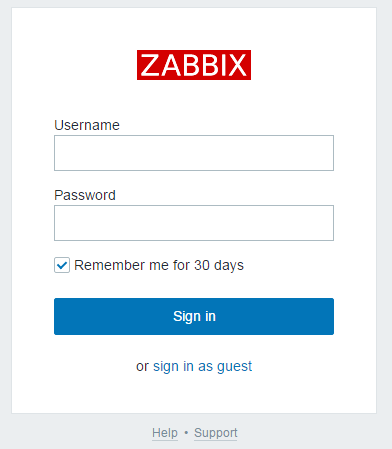
默认用户密码:Admin/zabbix
ps:如果登录之后发现zabbix server is not running,10051端口也没有绑定,极有可能是是连接db不通;
参考:https://www.zabbix.com/documentation/4.0/manual/installation/install#installing_frontend
添加host,设置template之后,就可以看到效果了

In addition it is important to take a step back and have a look at the overall data flow within Zabbix. In order to create an item that gathers data you must first create a host. Moving to the other end of the Zabbix spectrum you must first have an item to create a trigger. You must have a trigger to create an action. Thus if you want to receive an alert that your CPU load it too high on Server X you must first create a host entry for Server X followed by an item for monitoring its CPU, then a trigger which activates if the CPU is too high, followed by an action which sends you an email. While that may seem like a lot of steps, with the use of templating it really isn't. However, due to this design it is possible to create a very flexible setup.
使用帮助:https://www.zabbix.com/documentation/4.0/manual/quickstart
关于java gateway
It is required to install Java gateway only if you want to monitor JMX applications. Java gateway is lightweight and does not require a database.
【原创】运维基础之Zabbix(1)简介、安装、使用的更多相关文章
- 【Apache运维基础(1)】Apache的安装与使用
安装 yum -y install httpd httpd-devel # 在Ubuntu里面叫做Apache2,输入localhost能打开就算成功了 额...当然专业的运维还是老老实实的去编译吧; ...
- 监控和安全运维 1.8 zabbix服务端安装
1. Zabbix简介基于web的开源软件,开源监控系统状态也可以监控网络设备.和nagios不同的是zabbix会把获取的数据保存在数据库中,所以zabbix需要有数据库支持 Zabbix还可以自动 ...
- 【原创】运维基础之yum离线环境安装软件
首先查看系统版本号,然后根据版本号从 CentOS-7-x86_64-DVD-1708.iso 和 CentOS-7-x86_64-Everything-1708.iso 根据需要选择一个下载,我这里 ...
- 运维监控之zabbix(yum安装)
简介 zabbix是一个基于WEB界面的提供分布式系统监视以及网络监视功能的企业级的开源解决方案. zabbix能监视各种网络参数,保证服务器系统的安全运营:并提供灵活的通知机制以让系统管理员快速定位 ...
- 运维监控-使用Zabbix Server 创建 Actions
运维监控-使用Zabbix Server 创建 Actions 作者:尹正杰 版权声明:原创作品,谢绝转载!否则将追究法律责任. zabbix的action默认是关闭的,因此我们想使用它就得先启用哟. ...
- 运维监控-使用Zabbix Server 创建触发器Triggers
运维监控-使用Zabbix Server 创建触发器Triggers 作者:尹正杰 版权声明:原创作品,谢绝转载!否则将追究法律责任. 1>.点击相应主机的触发器 2>.点击创建触发器 ...
- 运维监控-使用Zabbix Server 添加自定义 item
运维监控-使用Zabbix Server 监控自定义 item 作者:尹正杰 版权声明:原创作品,谢绝转载!否则将追究法律责任. 本篇博客就直接开门见山如何使用Zabbix Server 监控自定义 ...
- linux运维基础知识
linux运维基础知识大全 一,序言 每一个微不足道的知识,也是未来的铺垫.每一份工作的薪资职位,也是曾经努力的结果. 二,服务器 1,运维人员工作职责: 1)保证数据不丢失:2)保证服务器24小时运 ...
- linux——运维基础,与常用命令
1 运维概述 1 什么是运维 服务器的运行维护 2 名词 IDC(互联网数据中心) 3 监控软件 zabbix(用的最多), nagios, cactti 4 常用的linux操作系统 1 CentO ...
随机推荐
- supervisor 守护者进程配置小记
安装 Supervisor 联网状态下,官方推荐首选安装方法是使用easy_install,它是setuptools(Python 包管理工具)的一个功能.所以先执行如下命令安装 setuptools ...
- Electron桌面应用打包流程
一. 准备工作 1.npm的安装需要下载node.js,安装完node.js之后npm自然会有. 参考链接:http://www.runoob.com/nodejs/nodejs-install-se ...
- webservice异常
webservice的一个常见异常: [SOAPException: faultCode=SOAP-ENV:Client; msg=Error parsing HTTP status line &qu ...
- Shell命令-系统信息及显示之uname、hostname
文件及内容处理 - uname.hostname 1. uname:显示系统信息 uname命令的功能说明 uname 命令用于显示系统信息.uname 可显示电脑以及操作系统的相关信息 uname命 ...
- POJ1094 Sorting It All Out LUOGU 排序
Sorting It All Out Time Limit: 1000MS Memory Limit: 10000K Total Submissions: 40012 Accepted ...
- CDH 集群机器上部署 Jupyter notebook 使用 Pyspark 读取 Hive 数据库
开始直接在 CDH Pyspark 的环境里面运行 Ipython . spark = SparkSession \ .builder \ .master('yarn') \ .appName('md ...
- Lodop某个电脑打印内容大小有问题
可能原因分析:本地设置放大比例问题,是真实的放大或缩小,1.查看比例应在100%, 2.控制面板设置显示应在100%(win7 win10中) 3.超文本样式问题,分析样式中不同浏览器版本下显示不一致 ...
- less的基本使用
众所周知,less是一门css预处理语言,其他的类似还有scss.Stylus 等,和js相似度比较高的就是less了.话不多说,我们来看less的使用. Node.js 环境中使用 Less : n ...
- [模板] 网络流相关/最大流ISAP/费用流zkw
最大流/ISAP 话说ISAP是真快...(大多数情况)吊打dinic,而且还好写... 大概思路就是: 在dinic的基础上, 动态修改层数, 如果终点层数 \(>\) 点数, break. ...
- Apache服务器配置与管理
一.Apache服务器的目录和文件 1.WEB站点目录 /var/www Apache站点文件的目录 /var/www/html 存放WEB站点的WEB文件 /var/www/cgi-bin CGI程 ...