
iOS 3D touch 使用技巧
第一个 在桌面中3d Touch 打开菜单

由于本人纯属代码党,本次实现方法也只使用代码实现
到达到这个效果并不难,只需要在appdelegate中实现以下代码即可 ,当然也有缺点,就是这个app没运行过的话是用不了3dtouch呼出菜单
 - (void)setting3DTouchModule{

     // 判断系统版本大于9.0再设置 (若不判断 在低版本系统中会崩溃)

     if ([[[UIDevice currentDevice] systemVersion] floatValue] >= 9.0){

         // 自定义图标

         UIApplicationShortcutIcon *icon1 = [UIApplicationShortcutIcon iconWithTemplateImageName:@"图片名称"];

         UIApplicationShortcutItem *shortItem1 = [[UIApplicationShortcutItem alloc] initWithType:@"item类型1" localizedTitle:@"item标题1" localizedSubtitle:@"子标题1" icon:icon1 userInfo:nil];

         UIApplicationShortcutItem *shortItem2 = [[UIApplicationShortcutItem alloc] initWithType:@"item类型2" localizedTitle:@"item标题2" localizedSubtitle:@"子标题2" icon:[UIApplicationShortcutIcon iconWithType: UIApplicationShortcutIconTypeCompose] userInfo:nil];

         // item 数组

         NSArray *shortItems = [[NSArray alloc] initWithObjects: shortItem1,shortItem2, nil];

         // 设置按钮

         [[UIApplication sharedApplication] setShortcutItems:shortItems];

     }

 }

 // 通过3dtouch菜单启动 后回调

 - (void)application:(UIApplication *)application performActionForShortcutItem:(UIApplicationShortcutItem *)shortcutItem completionHandler:(void (^)(BOOL))completionHandler{

     // 可以通过标题 字符串判断 来确认 是哪个item

     if ([shortcutItem.localizedTitle  isEqualToString: @"item标题1"]){

     }

 }
在 didFinishLaunchingWithOptions方法中执行
[self setting3DTouchModule];
即可
第二种效果 触发机制 参考 微信朋友圈 3dtouch打开图片
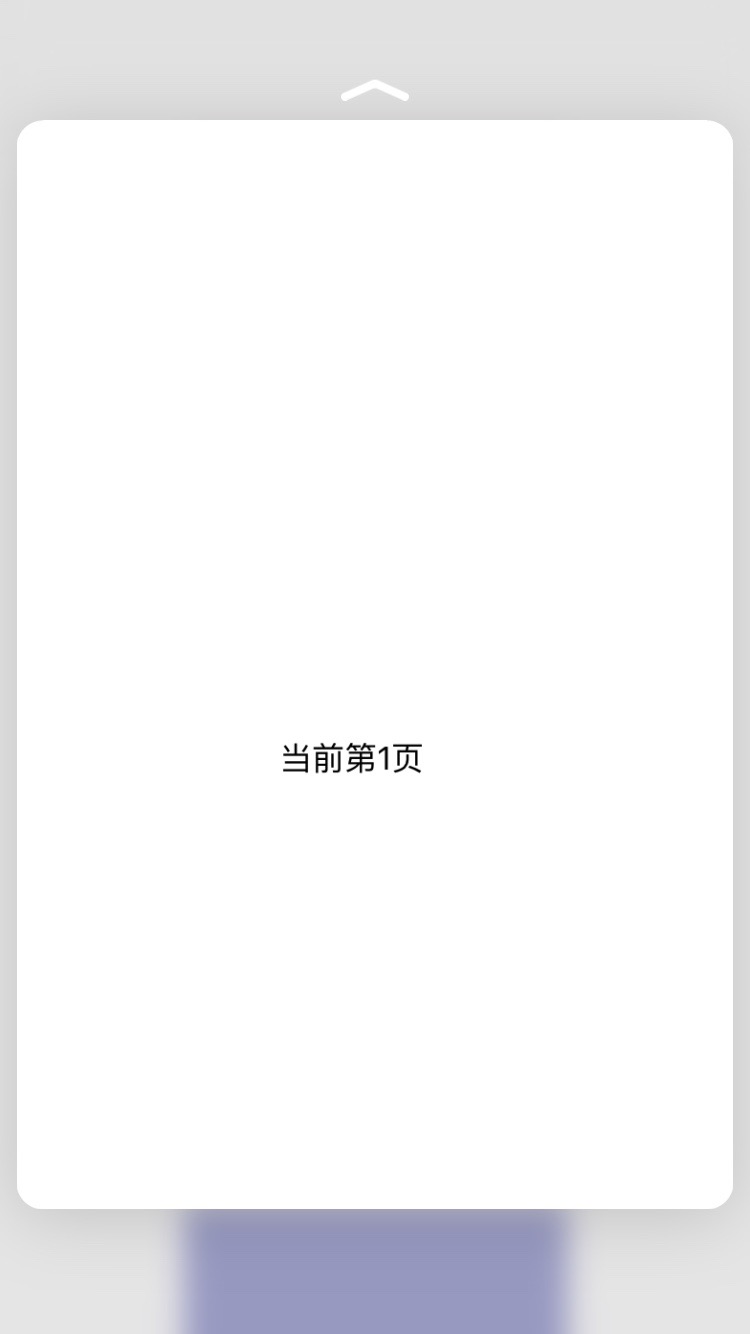
这个由于涉及到tableview /collectionview中cell的重用机制(如果你只给某个view加入 3dtouch手势的话可以无视), 需要对cell做一定的自定义操作
我这里以collectionview为例,在回调cell 的方法里,将当前controller对象传入cell中进行 3DTouch事件注册
而正常添加3dtouch只需要下面这一句代码
[self registerForPreviewingWithDelegate:self sourceView:cell.contentView]; //正常添加3DTouch事件
添加3DTouch的controller 要遵循UIViewControllerPreviewingDelegate协议
然后实现 两个代理方法
- (void)previewingContext:(id<UIViewControllerPreviewing>)previewingContext commitViewController:(UIViewController *)viewControllerToCommit{

    // 打开详情页触发

    if (viewControllerToCommit){

        [self showViewController:viewControllerToCommit sender:self];

    }

}

- (UIViewController *)previewingContext:(id<UIViewControllerPreviewing>)previewingContext viewControllerForLocation:(CGPoint)location{

     // 这里要返回要打开的viewController

     return nil;

}
具体实现 可以参考我的demo
再者就是下面的按钮
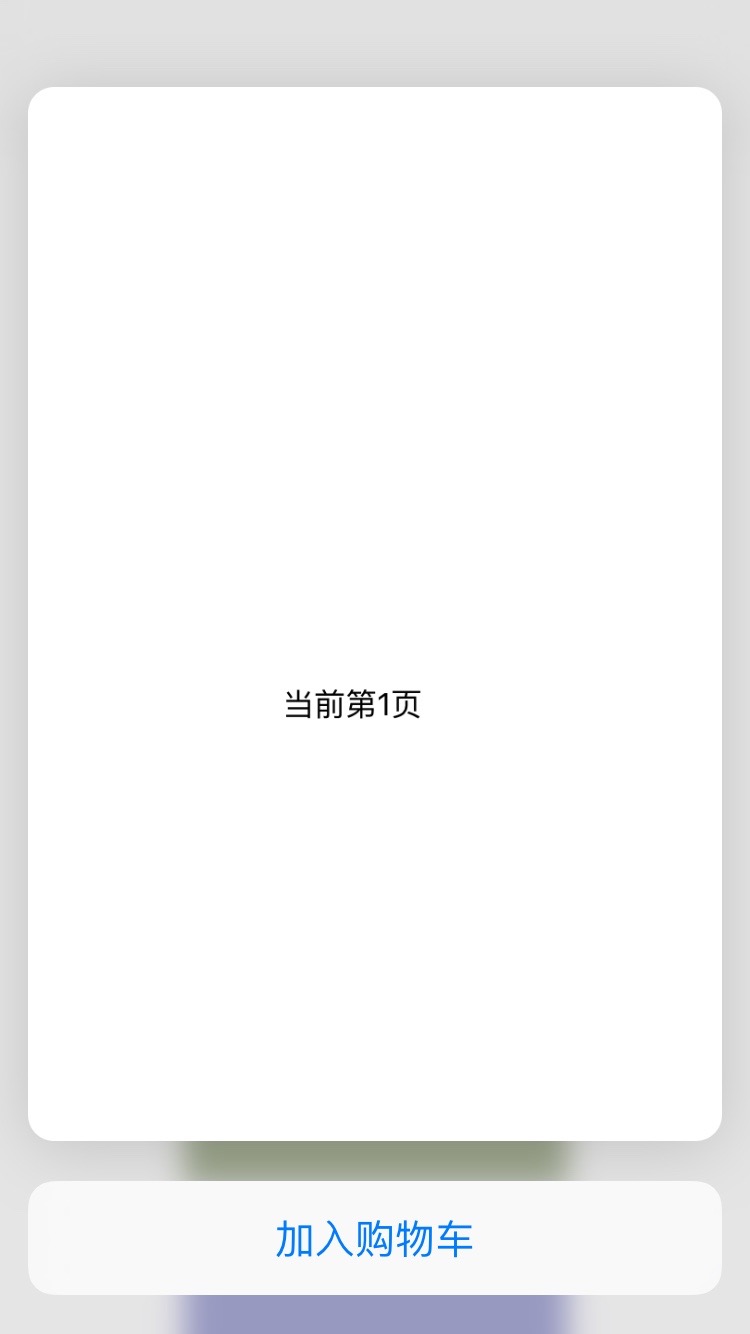
加入购物车 这个按钮是需要我们在 回调的那个controller中实现以下代码
 - (NSArray<id<UIPreviewActionItem>> *)previewActionItems{

     UIPreviewAction *itemA = [UIPreviewAction actionWithTitle:@"加入购物车" style:UIPreviewActionStyleDefault handler:^(UIPreviewAction * _Nonnull action, UIViewController * _Nonnull previewViewController) {

         NSLog(@"你要做的操作");

     }];

     return @[itemA];

 }
具体请参考demo
http://files.cnblogs.com/files/n1ckyxu/IOS_3DTouch_Demo.zip
iOS 3D touch 使用技巧的更多相关文章
- iOS 3D Touch 适配开发
3D Touch的主要应用 文档给出的应用介绍主要有两块: 1.A user can now press your Home screen icon to immediately access fun ...
- iOS 3D Touch功能 3 -备
新的触摸体验——iOS9的3D Touch 一.引言 二.在模拟器上学习和测试3D Touch 附.SBShortcutMenuSimulator的安装和使用 三.3D Touch的主要应用 四.3D ...
- iOS 3D Touch功能
新的触摸体验——iOS9的3D Touch 一.引言 在iphone6s问世之后,很多果粉都争先要体验3D Touch给用户带来的额外维度上的交互,这个设计之所以叫做3D Touch,其原理上是增加了 ...
- 3D Touch开发技巧的笔记
iPhone6s以及iPhone6s plus搭载iOS9,有一个新功能叫做3D Touch,这个功能有很大的用处,关键是要会用,这给交互方式又多了一个新的选择和思考,比如说游戏中的额外控制选项.绘图 ...
- iOS 3D Touch实践
本文主要讲解3DTouch各种场景下的开发方法,开发主屏幕应用icon上的快捷选项标签(Home Screen Quick Actions),静态设置 UIApplicationShortcutIte ...
- ios 3D Touch功能的实现
ios9中3D Touch功能是一个新的亮点,这个方便快捷的功能实现也比较简单,废话不多说直接上代码, 一.3D Touch功能添加分为两种(1).静态标签 (2).动态标签 (1).静态添加 这个方 ...
- 关于iOS 3D touch 指纹验证的随笔
file:///Users/OWen/Desktop/3DTouch.png 随着iOS系统不断的更新迭代,苹果总会推出一些新的功能,今天就研究了一下iOS8之后推出的指纹验证的功能,然后写了一个小d ...
- 3D Touch开发全面教程之Peek and Pop - 预览和弹出
## 3D Touch开发全面教程之Peek and Pop - 预览和弹出 --- ### 了解3D Touch 在iPhone 6s和iPhone 6s Plus中Apple引入了3D Touch ...
- 在iOS9 中使用3D Touch
iOS9提供了四类API( Home Screen Quick Action . UIKit Peek & Pop . WebView Peek & Pop 和 UITouch For ...
随机推荐
- maven工程下 读取resource下配置文件
http://blog.csdn.net/xu511739113/article/details/52440982
- Wordpress如何开启用户注册功能
登录你的Wordpress管理员帐号,并进入管理后台,点击左侧菜单栏的"设置"--"常规" 在打开的设置页面,下方找到"允许任何人注册" ...
- 每天一个Linux命令---tcpdump
用简单的话来定义tcpdump,就是:dump the traffic on a network,根据使用者的定义对网络上的数据包进行截获的包分析工具. tcpdump可以将网络中传送的数据包的“头” ...
- mysql 如何判断 "字符串" 是否为 "数字"
这个问题有点怪 ,但很多时候我们会以字符串的形式存储数字 , 反过来我们用字符串进行数学运算时, 好像也不会出错 . 除非 , 用作数学运算的字符串不能转换成数字 .但是我们改如何判断字符串是否能转换 ...
- BZOJ 1831 & 就是一个DP....
题意: 比如说,4 2 1 3 3里面包含了5个逆序对:(4, 2), (4, 1), (4, 3), (4, 3), (2, 1). 可惜的是,由于年代久远,这些数字里有一部分已经模糊不清了,为了方 ...
- Codeforces Round #352 (Div. 2) A Summer Camp
Every year, hundreds of people come to summer camps, they learn new algorithms and solve hard proble ...
- Android --日期控件使用并显示选择的日期
1. main.xml <?xml version="1.0" encoding="utf-8"?> <LinearLayout xmlns: ...
- iphone H5 input type="search" 不显示搜索 解决办法
H5 input type="search" 不显示搜索 解决办法 H5 input type="search" 不显示搜索 解决方法 在IOS(ipad iP ...
- Java_cookie 和session 的区别详解
这些都是基础知识,不过有必要做深入了解.先简单介绍一下. 二者的定义: 当你在浏览网站的时候,WEB 服务器会先送一小小资料放在你的计算机上,Cookie 会帮你在网站上所打的文字或是一些选择, 都纪 ...
- Redis_高可用方案Sentinel配置
最小化的sentinel配置文件为: 1 port 7031 2 3 dir /opt/app/redis/redis-2.8.17/tmp 4 5 sentinel monitor mymaster ...