
12Flutter页面布局 AspectRatio和Cart卡片组件
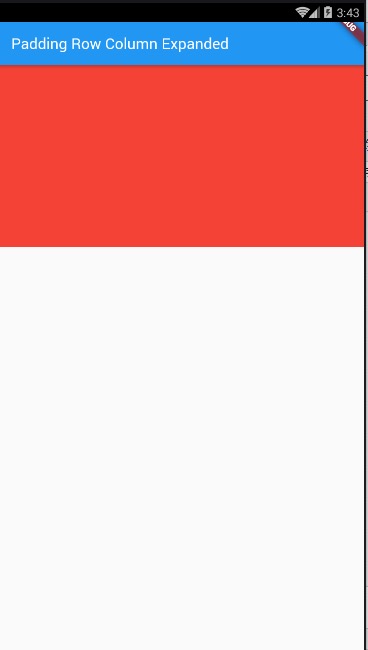
import 'package:flutter/material.dart';

void main() {

  runApp(MyApp());

}

class MyApp extends StatelessWidget {

  @override

  Widget build(BuildContext context) {

    // TODO: implement build

    return MaterialApp(

      home: Scaffold(

        appBar: AppBar(

          title: Text(' AspectRatio、Cart卡片组件'),

        ),

        body: HomeContent(),

      ),

    );

  }

}

class HomeContent extends StatelessWidget {

  @override

  Widget build(BuildContext context) {

    //Stack结合align实现布局:

    return AspectRatio(

      aspectRatio: 2.0/1.0,

      child: Container(

        color: Colors.red,

      ),

    );

  }

}
Cart卡片组件:
demo1:
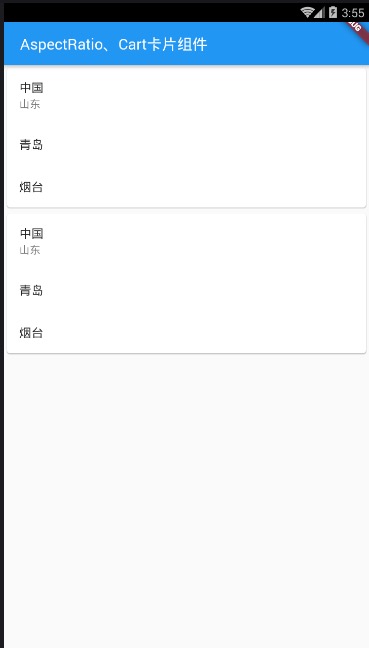
main.dart
import 'package:flutter/material.dart';

void main() {

  runApp(MyApp());

}

class MyApp extends StatelessWidget {

  @override

  Widget build(BuildContext context) {

    // TODO: implement build

    return MaterialApp(

      home: Scaffold(

        appBar: AppBar(

          title: Text(' AspectRatio、Cart卡片组件'),

        ),

        body: HomeContent(),

      ),

    );

  }

}

class HomeContent extends StatelessWidget {

  @override

  Widget build(BuildContext context) {

    //Stack结合align实现布局:

    return ListView(

      children: <Widget>[

        Card(

          child: Column(

            children: <Widget>[

              ListTile(title: Text('中国'), subtitle: Text('山东')),

              ListTile(

                title: Text('青岛'),

              ),

              ListTile(

                title: Text('烟台'),

              )

            ],

          ),

        ),

        Card(

          child: Column(

            children: <Widget>[

              ListTile(title: Text('中国'), subtitle: Text('山东')),

              ListTile(

                title: Text('青岛'),

              ),

              ListTile(

                title: Text('烟台'),

              )

            ],

          ),

        )

      ],

    );

  }

}
demo2:
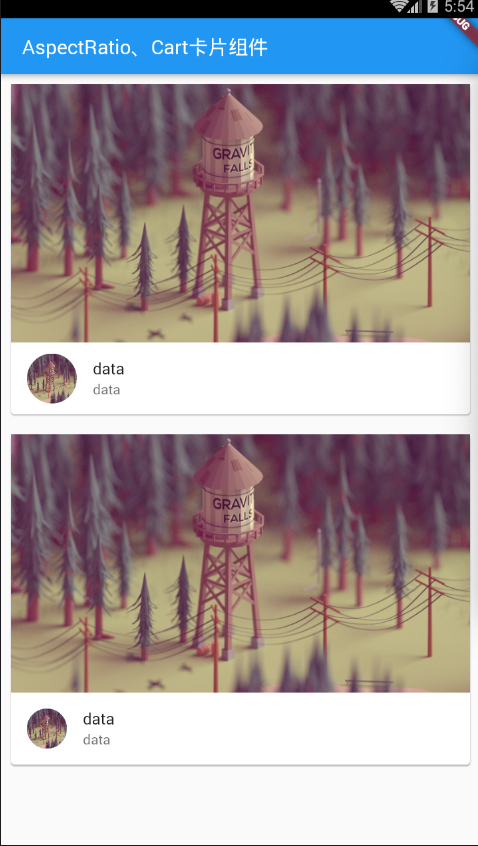
main.dat
demo3:
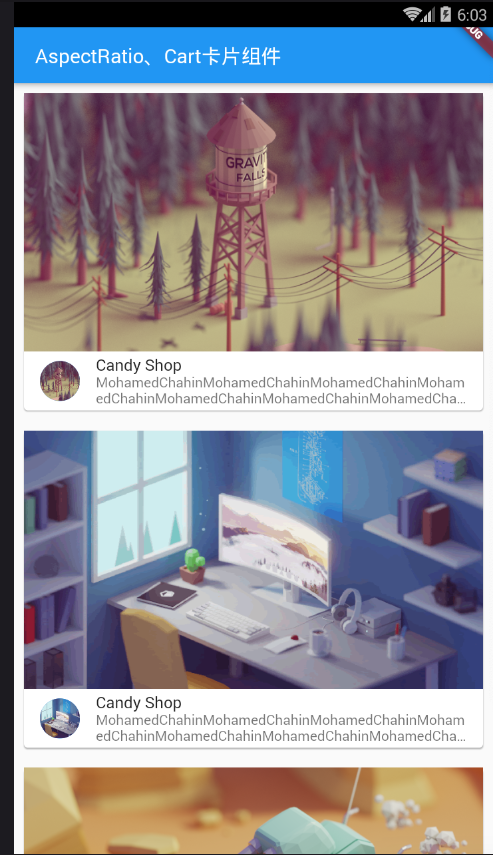
main.dart
import 'package:flutter/material.dart';

import 'res/listData.dart';

void main() {

  runApp(MyApp());

}

class MyApp extends StatelessWidget {

  @override

  Widget build(BuildContext context) {

    // TODO: implement build

    return MaterialApp(

      home: Scaffold(

        appBar: AppBar(

          title: Text(' AspectRatio、Cart卡片组件'),

        ),

        body: HomeContent(),

      ),

    );

  }

}

class HomeContent extends StatelessWidget {

  @override

  Widget build(BuildContext context) {

    //Stack结合align实现布局:

    return ListView(

      children: listData.map((value) {

        return Card(

          margin: EdgeInsets.all(),

          child: Column(

            children: <Widget>[

              AspectRatio(

                aspectRatio:  / ,

                child: Image.network(

                    "${value['imageUrl']}",

                    fit: BoxFit.cover),

              ),

              ListTile(

                  leading: CircleAvatar(

                    backgroundImage: NetworkImage(

                        "${value['imageUrl']}"),

                  ),

                  title: Text("${value['title']}"),

                  subtitle: Text("${value['descripts']}",maxLines:,overflow: TextOverflow.ellipsis,))

            ],

          ),

        );

      }).toList(),

    );

  }

}
listData.dart
List listData=[

  {

    "title":"Candy Shop",

    "author":"Mohamed Chahin",

    "imageUrl":"https://www.itying.com/images/flutter/1.png",

    "descripts":"MohamedChahinMohamedChahinMohamedChahinMohamedChahinMohamedChahinMohamedChahinMohamedChahinMohamedChahinMohamedChahinMohamedChahin"

  },

  {

    "title":"Candy Shop",

    "author":"Mohamed Chahin",

    "imageUrl":"https://www.itying.com/images/flutter/2.png",

    "descripts":"MohamedChahinMohamedChahinMohamedChahinMohamedChahinMohamedChahinMohamedChahinMohamedChahinMohamedChahinMohamedChahinMohamedChahin"

  },

  {

    "title":"Candy Shop",

    "author":"Mohamed Chahin",

    "imageUrl":"https://www.itying.com/images/flutter/3.png",

    "descripts":"MohamedChahinMohamedChahinMohamedChahinMohamedChahinMohamedChahinMohamedChahinMohamedChahinMohamedChahinMohamedChahinMohamedChahin"

  },

  {

    "title":"Candy Shop",

    "author":"Mohamed Chahin",

    "imageUrl":"https://www.itying.com/images/flutter/4.png",

    "descripts":"MohamedChahinMohamedChahinMohamedChahinMohamedChahinMohamedChahinMohamedChahinMohamedChahinMohamedChahinMohamedChahinMohamedChahin"

  },{

    "title":"Candy Shop",

    "author":"Mohamed Chahin",

    "imageUrl":"https://www.itying.com/images/flutter/5.png",

    "descripts":"MohamedChahinMohamedChahinMohamedChahinMohamedChahinMohamedChahinMohamedChahinMohamedChahinMohamedChahinMohamedChahinMohamedChahin"

  }

];
12Flutter页面布局 AspectRatio和Cart卡片组件的更多相关文章
- 10Flutter页面布局 Padding Row Column Expanded组件详解:
Padding组件: main.dart import 'package:flutter/material.dart'; import 'res/listData.dart'; /* flutter页 ...
- Flutter AspectRatio、Card 卡片组件
Flutter AspectRatio 组件 AspectRatio 的作用是根据设置调整子元素 child 的宽高比. AspectRatio 首先会在布局限制条件允许的范围内尽可能的扩展,widg ...
- flutter 页面布局 Paddiing Row Column Expanded 组件
Flutter Paddiing 组件 在 html 中常见的布局标签都有 padding 属性,但是 Flutter 中很多 Widget 是没有 padding 属 性.这个时候我们可以用 Pad ...
- 页面布局 Paddiing Row Column Expanded 组件详解
一.Paddiing 组件 padding EdgeInsetss 设置填充的值 child 组件 return Padding( padding: EdgeIn ...
- AspectRatio图片的宽高比、Card 卡片组件
一.AspectRatio 组件 AspectRatio 的作用是根据设置调整子元素 child 的宽高比. AspectRatio 首先会在布局限制条件允许的范围内尽可能的扩展,widget 的高度 ...
- 046——VUE中组件之使用动态组件灵活设置页面布局
<!DOCTYPE html> <html lang="en"> <head> <meta charset="UTF-8&quo ...
- 13Flutter页面布局 Wrap组件
/* Flutter页面布局Wrap组件: Wrap可以实现流布局,单行的Wrap跟Row表现几乎一致,单列的Wrap则跟Row表现几乎一致. 但Row与Column都是单行单列的.Wrap则突破了这 ...
- 11Flutter页面布局 Stack层叠组件 Stack与Align Stack与Positioned实现定位布局
/* Flutter 页面布局 Stack层叠组件: Stack与Align Stack与Positioned实现定位布局: Flutter Stack组件: Stack表示堆得意思,我们可以用Sta ...
- 《React后台管理系统实战 :二》antd左导航:cmd批量创建子/目录、用antd进行页面布局、分离左导航为单独组件、子路由、动态写左导航、css样式相对陷阱
一.admin页面布局及路由创建 0)cmd批量创建目录及子目录 //创建各个目录,及charts和子目录bar md home category product role user charts\b ...
随机推荐
- gdb无法单步调试
使用gdb调试单步程序时如果打印提示“single stepping until exit from function xxx,which has no line number information ...
- 4.Hbase Shell 命令
Hbase提供了一个shell的终端给用户交互:#$HBASE_HOME/bin/hbase shell,执行quit命令可以退出命令行 2.使用Hbase Shelll 命令操作: 名称 命令表达式 ...
- mongodb的基本操作之数据创建索引
在数据量较少时,不使用索引,查询是很快的,但是在数据量较大时,查询将会变得非常缓慢,在mongodb中 查看索引 > db.test_collection.getIndexes() [ { &q ...
- JAVA遇见HTML——JSP篇(JavaBeans)
1.像使用普通java类一样,创建javabean实例,利用构造方法创建实例 跟表单关联,“*”表示根据名称来进行匹配,就是根据表单所提交过来的参数的名字和Javabean当中的属性名字来进行一一匹配 ...
- Fastdfs集群搭建
1.关于集群,网上说最少要三台,其实也没必要,两台就够了 2.实验环境 192.168.2.201 tracker.storage.nginx + fastdfs-nginx-module-maste ...
- 父元素设置固定宽度并设置overflow:scroll,如何让子元素撑开父元素
<div class="a"> <div class="b"> <div class="c">内容内容, ...
- python自动华 (七)
Python自动化 [第七篇]:Python基础-面向对象高级语法.异常处理.Scoket开发基础 本节内容: 1. 面向对象高级语法部分 1.1 静态方法.类方法.属性方法 1.2 ...
- 基本数据类型-MySQL
整型: TINYINT 最小 1个字节 -128~127 0~255 SMALLINT 较小 2个字节 -32768~32767 0~65535 MEDIUMINT 中等大小 3个字节 略 INT ...
- 牛客练习赛53 (C 富豪凯匹配串) bitset
没想到直接拿 bitset 能过 $10^8$~ code: #include <bits/stdc++.h> #define N 1004 #define setIO(s) freope ...
- svn 外部引用别的项目文件
建立了一个文件目录E:\My\myproject 想在该目录下有一个文件夹引用别的工程的文件. 1.在E:\My\myproject 空白处右键属性. 2.点击Properties,弹出 3.点击ne ...