
linux ubuntu 本地镜像 软件源 制作方法
1、配置当前软件源,镜像非常大,所以首先要配置一下载速度快的软件源http://fffo.blog.163.com/blog/static/2119130682014322104136601/2、安装镜像软件 并 修改镜像参数文件
1)、安装apt-mirror
sudo apt-get install apt-mirror
2)、修改mirror.list
http://www.linuxidc.com/Linux/2014-08/105415.htm
sudo gedit /etc/apt/mirror.list
文件内容如下:
——————————————引用开始——————————————————
############# config ##################
#
# set base_path /var/spool/apt-mirror [镜像存放目录位置,可根据磁盘容量情况进行更改]
#
# if you change the base path you must create the directories below with write privileges
#
# set mirror_path $base_path/mirror
# set skel_path $base_path/skel
# set var_path $base_path/var
# set cleanscript $var_path/clean.sh
# set defaultarch <running host architecture>
set nthreads 3 [下载进程,默认20,建议3]
set _tilde 0
#
############# end config ##############
deb http://archive.ubuntu.com/ubuntu jaunty main restricted universe multiverse
deb http://archive.ubuntu.com/ubuntu jaunty-updates main restricted universe multiverse
deb http://archive.ubuntu.com/ubuntu jaunty-backports main restricted universe multiverse
deb http://archive.ubuntu.com/ubuntu jaunty-security main restricted universe multiverse
deb http://archive.ubuntu.com/ubuntu jaunty-proposed main restricted universe multiverse
deb http://archive.ubuntu.org.cn/ubuntu-cn/ jaunty main restricted universe multiverse
[需要进行镜像的APT软件源地址,选择速度较快的官方源或国内源]
#deb-src http://archive.ubuntu.com/ubuntu jaunty main restricted universe multiverse
#deb-src http://archive.ubuntu.com/ubuntu jaunty-updates main restricted universe multiverse
#deb-src http://archive.ubuntu.com/ubuntu jaunty-backports main restricted universe multiverse
#deb-src http://archive.ubuntu.com/ubuntu jaunty-security main restricted universe multiverse
#deb-src http://archive.ubuntu.com/ubuntu jaunty-proposed main restricted universe multiverse
[不需要源代码,用#进行地址屏蔽]
clean http://archive.ubuntu.com/ubuntu
clean http://archive.ubuntu.org.cn/ubuntu-cn
[镜像完成后对本地镜像和软件源进行比较]
——————————————引用结束——————————————————
3、创建镜像根目录
mkidr /var/spool/apt-mirror
4、开始镜像(支持断点续传,任何中断都不会照成影响)
1)sudo apt-mirror
定时执行上面的命令,可以达到定时同步远程仓库的效果
2)完成镜像后进行清理多余文件
sudo /var/spool/apt-mirror/var/clean.sh
5、使用本地源
cd /etc/apt
sudo mv source.list source.list.bak
sudo vim source.list
加入如下内容
deb file:///var/spool/apt-mirror/mirror/archive.ubuntu.com/ubuntu/ jaunty main restricted universe multiverse
deb file:///var/spool/apt-mirror/mirror/archive.ubuntu.com/ubuntu/ jaunty-backports restricted universe multiverse
deb file:///var/spool/apt-mirror/mirror/archive.ubuntu.com/ubuntu/ jaunty-proposed main restricted universe multiverse
deb file:///var/spool/apt-mirror/mirror/archive.ubuntu.com/ubuntu/ jaunty-security main restricted universe multiverse
deb file:///var/spool/apt-mirror/mirror/archive.ubuntu.com/ubuntu/ jaunty-updates main restricted universe multiverse
deb file:///var/spool/apt-mirror/mirror/archive.ubuntu.org.cn/ubuntu-cn/ jaunty main restricted universe multiverse
6、发布到局域网
1)安装Apache2
sudo apt-get install apache2
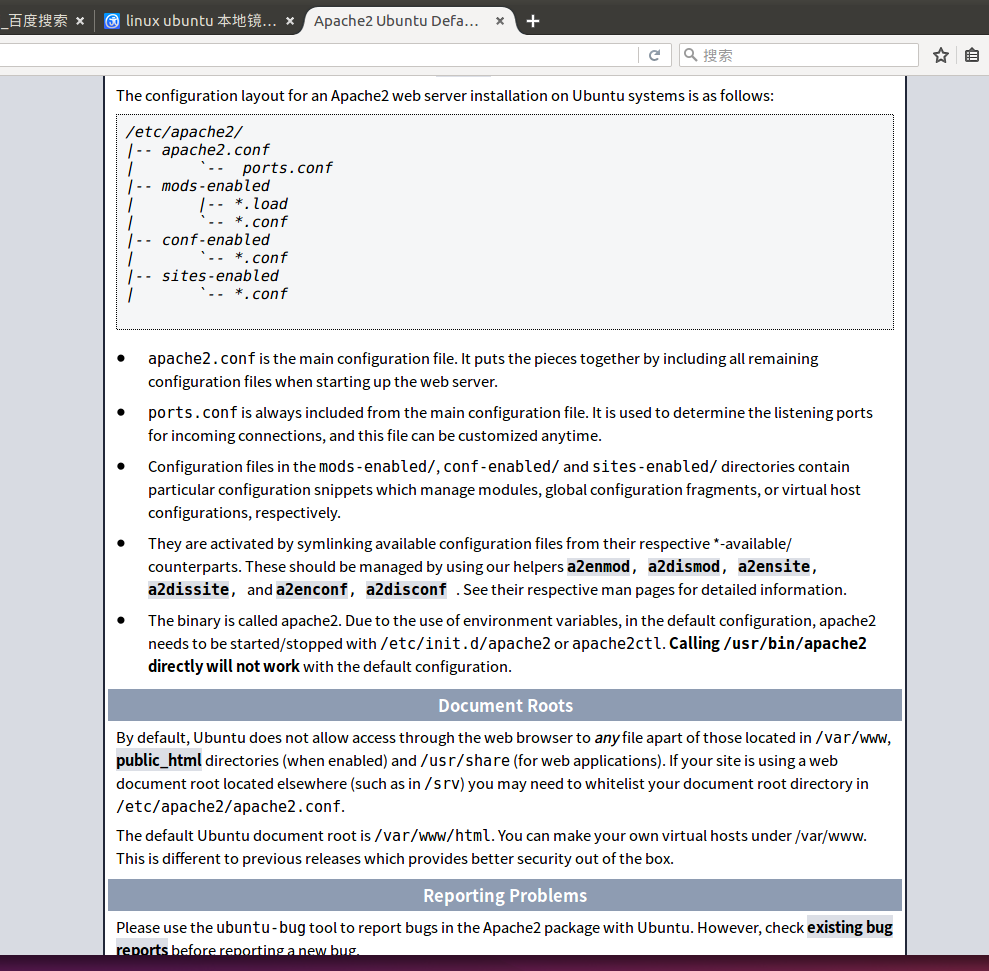
2)建立符号连接,将镜像与Apache虚拟目录联系起来
sudo ln -s /var/spool/apt-mirror/mirror/archive.ubuntu.com/ubuntu/ /var/www/html/ubuntu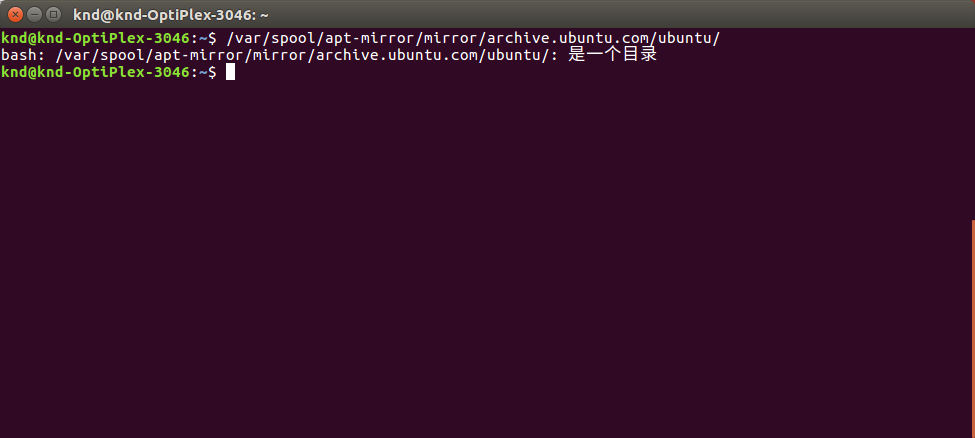
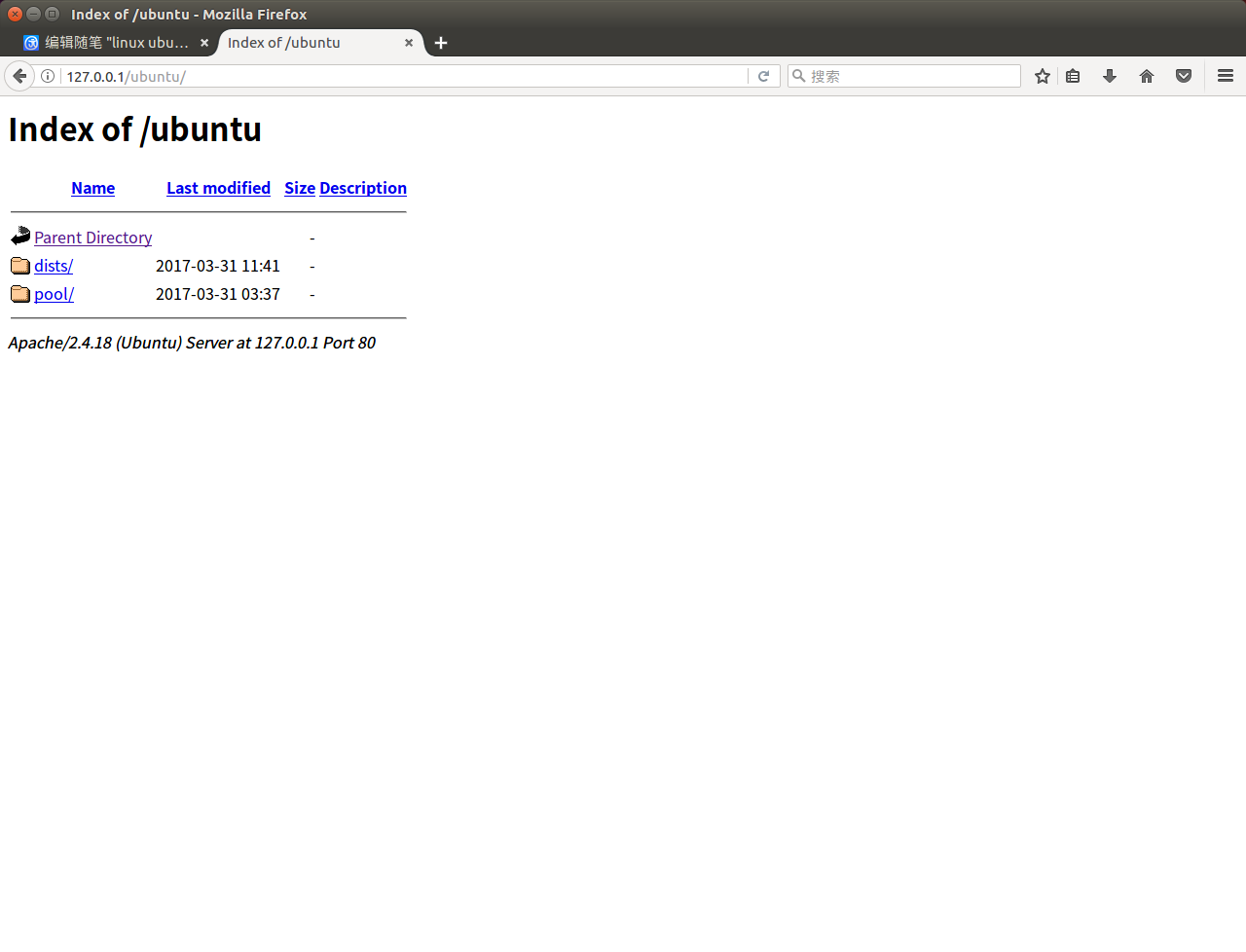
3)局域网中每个用户,修改sources.list文件
cd /etc/apt
sudo cp sources.list sources.list.bak
sudo vim source.list
加入如下内容
deb http://192.168.0.10/ubuntu jaunty main restricted universe multiverse
deb http://192.168.0.10/ubuntu jaunty-backports restricted universe multiverse
deb http://192.168.0.10/ubuntu jaunty-proposed main restricted universe multiverse
deb http://192.168.0.10/ubuntu jaunty-security main restricted universe multiverse
deb http://192.168.0.10/ubuntu jaunty-updates main restricted universe multiverse
deb http://192.168.0.10/ubuntu-cn jaunty main restricted universe multiverse
linux ubuntu 本地镜像 软件源 制作方法的更多相关文章
- linux centos&Ubuntu&RedHat更换软件源
linux三大版本更换软件源 前排提示,有的源可能已经失效,如果发现请留言或自行寻找其他源. 1.centos mv /etc/yum.repos.d/CentOS-Base.repo [--path ...
- 创建本地yum软件源,为本地Package安装Cloudera Manager、Cloudera Hadoop及Impala做准备
一.包管理工具及CentOS的yum 1.包管理工具如何发现可以用的包 包管理工具依赖一系列软件源,工具下载源的信息存储在配置文件中,其位置随某包管理工具不同而变化 使用yum的RedHat/Cent ...
- ubuntu修改软件源的方法
最快方法--替换法 刚安装好的ubutun,打开source.list后,用vim替换的方法将所有的us提付出替换为 cn,然后保存退出,更新即可. # vim /etc/apt/source.lis ...
- [linux]ubuntu修改镜像源
sudo apt-get update 更新源 sudo apt-get install package 安装包 sudo apt-get remove package 删除包 sudo apt-ca ...
- 韦东山linux学习之ubuntu 9.10 软件源 问题
跟着开发板视频学习,安装了ubuntu9.10,然而由于现在官方已经不再提供软件更新的服务,软件我一直安装不上,搞了两天终于解决了. 一.安装VMware,配置等等就不详细说了,安装好系统后,网能连上 ...
- UBUntu 软件 源配置方法
近期公司产品须要添加一个功能,就是版本号自己主动更新.使用apt-get 实现. apt-get 软件源配置的方法,參见本人资源里的共享.以下是代码中作为升级的一部分. FILE *fp; ...
- Ubuntu系统的软件源更换
参考:https://www.daweibro.com/node/142 什么是Ubuntu的软件源? 我们在使用Debian或者Ubuntu的apt-get工具来安装需要的软件时,其实就是从服务器获 ...
- ubuntu 16.04软件源
来源:模板:16.04source deb http://cn.archive.ubuntu.com/ubuntu/ xenial main restricted universe multive ...
- ubuntu修改163软件源
cd /etc/apt cat sources.list sudo su root sudo echo '' > sources.list nano sources.list 复制163软件源 ...
随机推荐
- 【链表】Linked List Cycle II
题目: Given a linked list, return the node where the cycle begins. If there is no cycle, return null. ...
- wordpress 固定链接 404错误
一开始我是用本机服务器做测试,写文章,发现固定链接模式在非默认情况下,都是404错误页面,具体如下: 方法一,.htaccess要开放写权限,这样在自定义wp的永久链接时,wp会自动重写.htacce ...
- Maven 学习笔记(一)
什么是 maven? 对于已经使用过 maven 的用户来说 maven 就是一个架构工具,使用它可以将代码构建成一个可发布的工具.当然也有人会说maven是一个项目管理的工具.当然各有各的说法,那么 ...
- 广州.NET俱乐部简介
广州.NET俱乐部 简介 广州 .NET 俱乐部自2018年底重新在广州地区活跃. 目前已经成功在广州.深圳.苏州和东莞组织并参与了多长线下技术交流活动. 已经有超过1200+人加入了俱乐部线上社区. ...
- 【Express系列】第4篇——使用session
session 在 web 应用中使用很普遍,不过在 node 上面,要用 session 还真得折腾一番才行. 从加入中间件,到 session 的写入.清除,当时是遇到了不少坑的. 当然也可能是我 ...
- Golang gRPC 使用
一.概念 1.gRPC默认使用protocol buffers,这是google开源的一套成熟的结构数据序列化机制(当然也可以使用其他数据格式如JSON),可以用proto files创建gRPC服务 ...
- spring中获取applicationContext
常用的5种获取spring 中bean的方式总结: 方法一:在初始化时保存ApplicationContext对象代码:ApplicationContext ac = new FileSystemXm ...
- vuex中怎么把‘库’中的状态对象赋值给内部对象(三种方法)
一.通过computed的计算属性直接赋值 import store from '@/store/store' export default{ name: 'count', data(){ retur ...
- VS中调试查看DataTable和DataSet时未能加载此自定义查看器解决方法
在网上找了几个方法,感觉不太实用,最后自己找到了问题所在 VS2017中选择调试-选项-常规中的使用托管兼容模式取消勾选.之后就可以了
- JSP学习笔记(2)-JSP语法
1.JSP页面的基本结构 (1)HTML标记符(2)JSP标记(3)变量和方法的声明(4)Java程序片(5)Java表达式 2.变量和方法的声明 成员变量和方法 语法:<%! 变量.方法%&g ...