
Robotium和Espresso大PK——速度篇
引言
Espresso和Robotium都是android UI自动化测试框架,且都是建立在Android Instrument的基础之上。对于测试人员来说,UI测试应该具备如下三个特点:1. 容易编写;2. 运行速度快;可靠性高。本文正是针对“速度”做出的讨论。
Robotium作为早期Android世界里用得最为广泛的测试框架,基于JUnit扩展了大量关于Android UI的有效测试方法。
Espresso是一个新工具,相对来说,API更加精确,有助于开发者写出更简洁的针对APP的UI测试代码。Espresso的诞生,最大的优势就在于“快”。Robotium的测试代码中,通常会有大量的Sleep,waitFor,以此来等待控件的加载,否则极有可能失败。而Espresso则没有同步的烦恼,因此极大提高了测试速度。
对于大多数基于Android Instrumentation的测试框架(Robotium)来说,测试线程与UI线程是相互独立的,而Espresso则不同,运行时自动与UI线程同步,因此,Espresso的actions和assertions操作运行飞快。
下面,就让我们一起来感受一下“飞一般的感觉“!
测试手机:VIVO X520L——CPU:四核;内存:3GB
测试对象:NotePad——Robotium带源码的样例测试应用程序
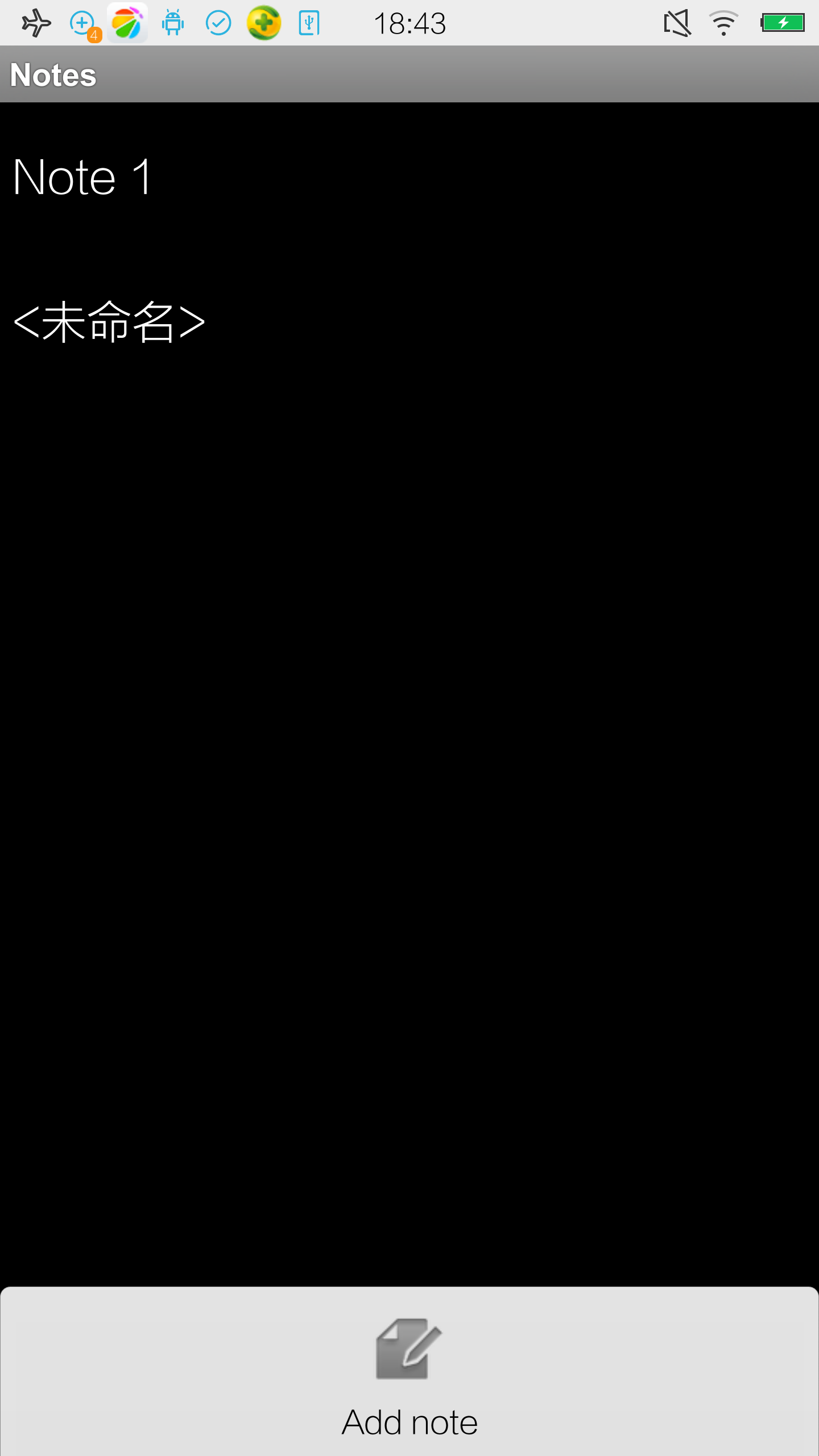
测试内容:
- 新建文本Note 1,保存;
- 新建文本Note 2,保存;
- 检查Note 1和Note 2新建成功
- 点击进入Note 1文本,使用Menu删除;
- 长按Note 2进行删除。
- 检查Note 1和Note 2删除成功
测试代码
1. Robotium测试代码
public class NotePadRbot extends ActivityInstrumentationTestCase2<NotesList>{

    private Solo solo;

    public NotePadRbot() {

        super(NotesList.class);

    }

    public void testAddNote() throws Exception {

        //新建Note 1和Note 2,并判断是否成功

        solo.clickOnMenuItem("Add note");

        solo.enterText(0, "Note 1");

        solo.clickOnMenuItem("Save");

        solo.clickOnMenuItem("Add note");

        solo.enterText(0, "Note 2");

        solo.clickOnMenuItem("Save");

        boolean expected = true;

        boolean actual = solo.searchText("Note 1") && solo.searchText("Note 2");

        assertEquals("Note 1 and/or Note 2 are not found", expected, actual);

        //删除Note 1和Note 2,并判断是否成功

        solo.clickOnText("Note 1");

        solo.clickOnMenuItem("Delete");

        boolean expected2 = false;

        solo.clickLongOnText("Note 2");

        solo.clickOnText("Delete");

        boolean actual2 = solo.searchText("Note 1") || solo.searchText("Note 2");

        assertEquals("Note 1 and/or Note 2 are found", expected2, actual2);

    }

}
Robotium测试结果

2. Espresso测试代码
public void testClickButton() throws InterruptedException {

        //添加note1

        onView(isRoot()).perform(ViewActions.pressMenuKey());

        onView(ViewMatchers.withText("Add note")).perform(ViewActions.click());

        onView(ViewMatchers.withId(R.id.note)).perform(ViewActions.typeText("Note 1"),closeSoftKeyboard());

        onView(isRoot()).perform(ViewActions.pressMenuKey());

        onView(ViewMatchers.withText("Save")).perform(ViewActions.click());

        onView(ViewMatchers.withText("Note 1")).check(ViewAssertions.matches(isDisplayed()));

        //添加note2

        onView(isRoot()).perform(ViewActions.pressMenuKey());

        onView(ViewMatchers.withText("Add note")).perform(ViewActions.click());

        onView(ViewMatchers.withId(R.id.note)).perform(ViewActions.typeText("Note 2"));

        onView(isRoot()).perform(ViewActions.pressMenuKey());

        onView(ViewMatchers.withText("Save")).perform(ViewActions.click());

        onView(ViewMatchers.withText("Note 1")).check(ViewAssertions.matches(isDisplayed()));

        //菜单删除note1和note2

        onView(ViewMatchers.withText("Note 1")).perform(ViewActions.click());

        onView(isRoot()).perform(ViewActions.pressMenuKey());

        onView(ViewMatchers.withText("Delete")).perform(ViewActions.click());

        onView(ViewMatchers.withText("Note 1")).check(ViewAssertions.doesNotExist());

        onView(ViewMatchers.withText("Note 2")).perform(ViewActions.longClick());

        onView(ViewMatchers.withText("Delete")).perform(ViewActions.click());

        onView(ViewMatchers.withText("Note 2")).check(ViewAssertions.doesNotExist());

    }
Espresso测试结果

小结
|
Robotium |
Espresso |
|
32.682 s |
5.694 s |
从表格中,我们可以清晰看到,执行相同的测试用例,Espresso的速度是Robotium的5.7倍。不同于Robotium的sleep/poll机制,Espresso完全受事件驱动,测试线程与UI线程同步,速度优势显著。
Robotium和Espresso大PK——速度篇的更多相关文章
- 普通方式 分页【NOT IN】和【>】效率大PK 千万级别数据测试结果
首现创建一张表,然后插入1000+万条数据,接下来进行测试. use TTgoif exists (select * from sysobjects where name='Tonge')drop t ...
- 让Quality Center走下神坛--测试管理工具大PK(转)
让Quality Center走下神坛--测试管理工具QC/ALM 和 RQM.Jira.TP.SCTM大PK 在写完了<让QTP走下神坛>之后,现在来谈谈测试管理工具,献给所有正在或打算 ...
- Webpack 打包优化之速度篇
在前文 Webpack 打包优化之体积篇中,对如何减小 Webpack 打包体积,做了些探讨:当然,那些法子对于打包速度的提升,也是大有裨益.然而,打包速度之于开发体验和及时构建,相当重要:所以有必要 ...
- 设计模式之行为类模式大PK
行为类模式大PK 行为类模式包括责任链模式.命令模式.解释器模式.迭代器模式.中介者模式.备忘录模式.观察者模式.状态模式.策略 ...
- 设计模式之结构类模式大PK
结构类模式大PK 结构类模式包括适配器模式.桥梁模式.组合模式.装饰模式.门面模式.享元模式和代理模式.之所以称其为结构类模式,是因 ...
- 设计模式之创建类模式大PK
创建类模式大PK 创建类模式包括工厂方法模式.建造者模式.抽象工厂模式.单例模式和原型模式,他们能够提供对象的创建和管理职责.其 ...
- 第29章 跨战区大PK
29.1 策略模式 VS 桥梁模式 29.1.1 策略模式 [编程实验]用策略模式实现邮件发送 (1)有文本和超文本两种格式的邮件,将这两种格式封装成两种不同的发送策略. (2)文本邮件和超文本邮件分 ...
- 第28章 行为型模式大PK
27.1 策略模式 VS 命令模式 27.1.1 策略模式实现压缩算法 //行为型模式大PK——策略模式和命令模式 //实例:用策略模式实现压缩算法 #include <iostream> ...
- 第27章 结构型模式大PK
27.1 代理模式 VS 装饰模式 27.1.1 代理模式 (1)场景:客人找运动员代理要求安排运动员参加比赛 (2)说明:代理人有控制权,可以拒绝客人的要求,也可以答应安排,甚至自己下去跑(因为有些 ...
随机推荐
- 一个startforresult的例子
https://blog.csdn.net/qq_32521313/article/details/52451364
- 缓存利器、Lua模块下的共享内存
上一节讲到了worker进程的共享内存,它利用丰富的指令使数据的缓存操作变得非常简单,但它也存在一些缺点. 1.worker进程之间会有锁竞争,在高并发的情况下会增加性能开销.2.只支持Lua布尔值. ...
- shell 中的${},##, %% , :- ,:+, ? 的使用
假设我们定义了一个变量为:file=/dir1/dir2/dir3/my.file.txt 可以用${ }分别替换得到不同的值:${file#*/}:删掉第一个/ 及其左边的字符串:dir1/dir2 ...
- mysql字符集 utf8 和utf8mb4 的区别
一.导读我们新建mysql数据库的时候,需要指定数据库的字符集,一般我们都是选择utf8这个字符集,但是还会又一个utf8mb4这个字符集,好像和utf8有联系,今天就来解析一下这两者的区别. 二.起 ...
- redis基本操作介绍
一.字符串 单个设置:set key value,如果key不存在则设置键值对,如果存在则修改 批量设置:mset key1 value1 [key2 value2] 单个获取:get key,如果k ...
- Mysql 的数据导入导出
一. mysqldump工具基本用法,不适用于大数据备份 1. 备份所有数据库: mysqldump -u root -p --all-databases > all_database_sq ...
- 手写 promies
简单的 Promies 封装 function Promiss(fn) { this.state = 'pending' //当前状态 this.value = null // 成功执行时得到的数据 ...
- Alink漫谈(十五) :多层感知机 之 迭代优化
Alink漫谈(十五) :多层感知机 之 迭代优化 目录 Alink漫谈(十五) :多层感知机 之 迭代优化 0x00 摘要 0x01 前文回顾 1.1 基本概念 1.2 误差反向传播算法 1.3 总 ...
- Django学习路28_ .html 文件继承及<block 标签>,include 'xxx.html'
在 templates 文件夹下创建 基类 base.html <!DOCTYPE html> <html lang="en"> <head> ...
- Series结构(常用)
1.创建 Series 对象 fandango = pd.read_csv("xxx.csv") series_rt = fandango["RottenTomatoes ...